
Using AI to Draft Better Blog Content: A Practical Workflow
Why use AI for drafting
AI can speed up early-stage writing tasks: idea exploration, outlines, and first drafts. The value is time and consistency—not magic. If you treat AI like a capable assistant that needs direction and editing, it becomes a reliable part of your process.
Before you prompt: goals and constraints
Start every session with clear guardrails. Tell the AI:
- Who the target reader is (role, level, industry). Example: "product managers at small B2B SaaS companies."
- The article goal (educate, compare, persuade, tutorial).
- Desired length and format (word count, headings, list or narrative).
- Tone and reading level (professional, conversational, senior-level, beginner-friendly).
Keeping these in one short instruction block improves the AI's focus and reduces wasted output.
Step 1 — Research and seed material
Collect the essentials yourself first:
- One-line thesis.
- 3–5 sources or key facts you want included.
- Examples or case details specific to your audience.
Provide these to the AI. It cannot reliably invent proprietary facts or accurate statistics, so include any facts you need to appear in the draft.
Step 2 — Create a focused outline
Ask the AI to produce a concise outline from your thesis and sources. Specify exact headings and approximate word counts per section.
Example prompt:
"Create a 6-section outline for a 900-word blog post titled 'Using AI to Draft Better Blog Content'. Target reader: content managers at small tech firms. Include headings and 3–4 bullet points per section. Keep intro 100 words and conclusion 50 words."
Review the outline and make minor edits so the structure matches your intent. A good outline reduces time spent rewriting later.

Step 3 — Expand sections with targeted prompts
Don’t ask the AI to "write the article" in one go. Expand section-by-section with clear micro-prompts:
- Provide the section heading and 2–3 bullets describing what to cover.
- Ask for a specific length (e.g., 120–180 words).
- Request the voice and a single stylistic constraint (avoid metaphors, use active voice, etc.).
Example micro-prompt:
"Write a 150-word section for the heading 'Edit and verify' that explains an editing checklist: factual checks, tone check, link validation, SEO meta review. Keep language direct and practical."
This approach yields focused paragraphs you can assemble quickly.
Step 4 — Control voice and accuracy
To keep a consistent voice:
- Save a short style guide (3–5 lines) and prepend it to each prompt.
- When accuracy matters, provide the facts and ask the AI to cite which input line each fact came from.
Fact-check every claim. If the AI uses unfamiliar or technical claims, verify before publishing.
Step 5 — SEO, metadata, and headline testing
Use AI for brainstorming multiple headline options and meta descriptions, but vet them:
- Ask for 5 headline variants: informative, curiosity-driven, benefit-led, keyword-focused, and short.
- Generate a 150-character meta description focused on the article goal.
Keep the best options and A/B test over time. Don’t rely on any single generated headline without human judgment.
Step 6 — Edit, trim, and humanize
Editing checklist (quick scan):
- Facts verified and sources linked.
- Sentences under 20 words where possible.
- One clear call-to-action (CTA) or next step.
- Consistent tone and formatting.
If the draft reads robotic, add one small anecdote or a short sentence with a human detail to restore personality.
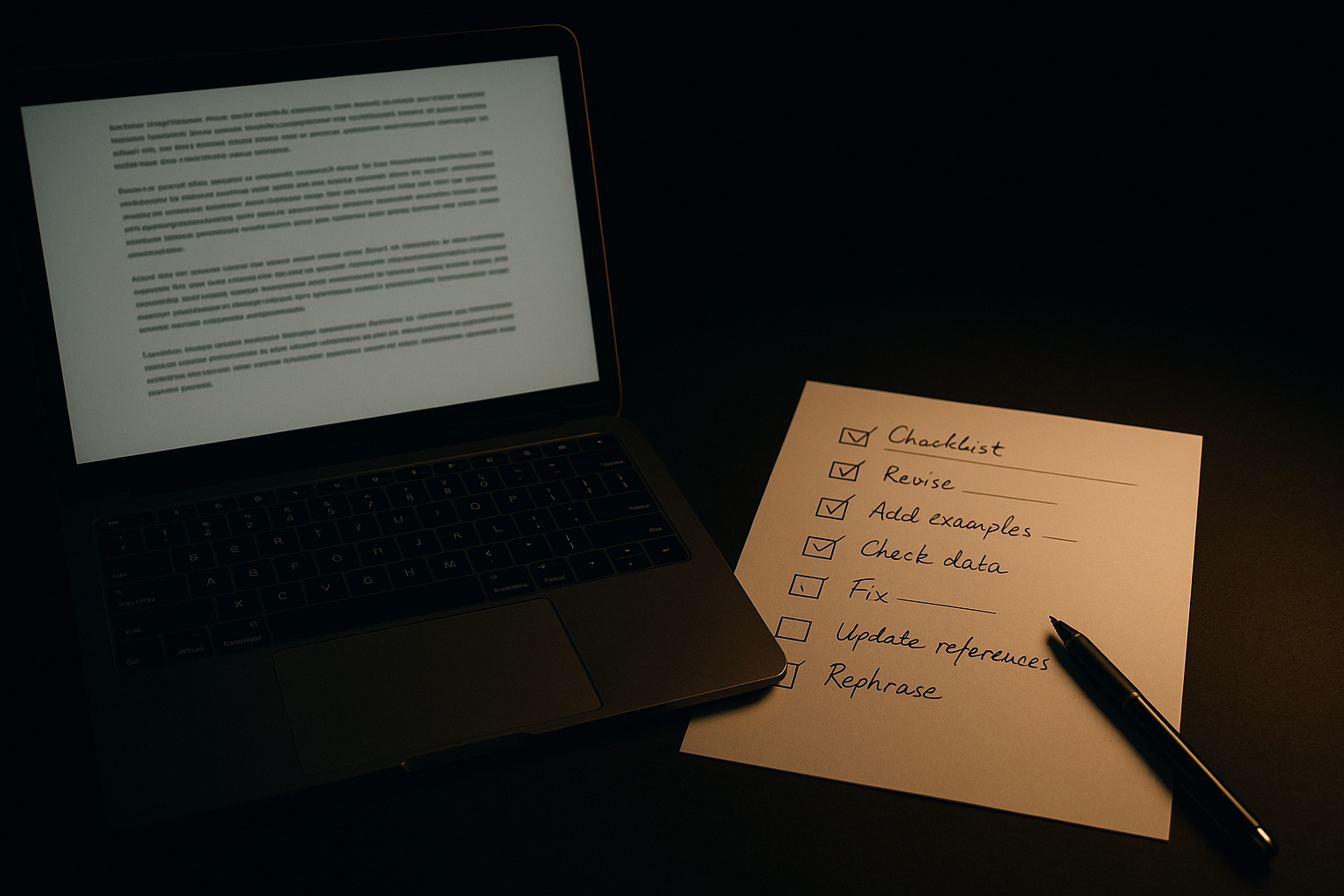
Visual planning for the blog
Plan images and subheads during outlining. Note where screenshots, charts, or process diagrams are needed. Keep image captions short and explain why they matter to the reader (e.g., "Outline template for fast drafting").
Visual planning reduces back-and-forth between writer and designer and helps the AI suggest image captions or alt text when asked.
Quick workflow you can implement today
- Create a 1-sentence thesis and list 3 facts.
- Ask the AI for a 6-part outline (include word counts).
- Expand each section with 1 micro-prompt.
- Run a short editing checklist and verify facts.
- Generate 5 headline options and a meta description.
- Draft image captions and schedule publishing.
Tools and simple automations (practical)
- Use a shared document (Google Docs, Notion) as the source of truth for thesis and facts.
- Use a prompt template saved in a snippet manager so you don’t rewrite guardrails each time.
- Automate headline variants into a sheet for A/B testing with a simple script or Zapier integration.
Keep automation narrow and reversible: automations that generate options (headlines, captions) are low risk; automations that publish without a human check are high risk.
Final checks before publish
- Quick fact audit: verify any claims you did not provide.
- Read aloud for flow.
- Confirm SEO basics: title tag, URL slug, headings, alt text.
Practical takeaway: Start small—use AI to draft outlines and section text, but keep the goals, facts, and final edits in human hands.
