What a webhook is — in plain language
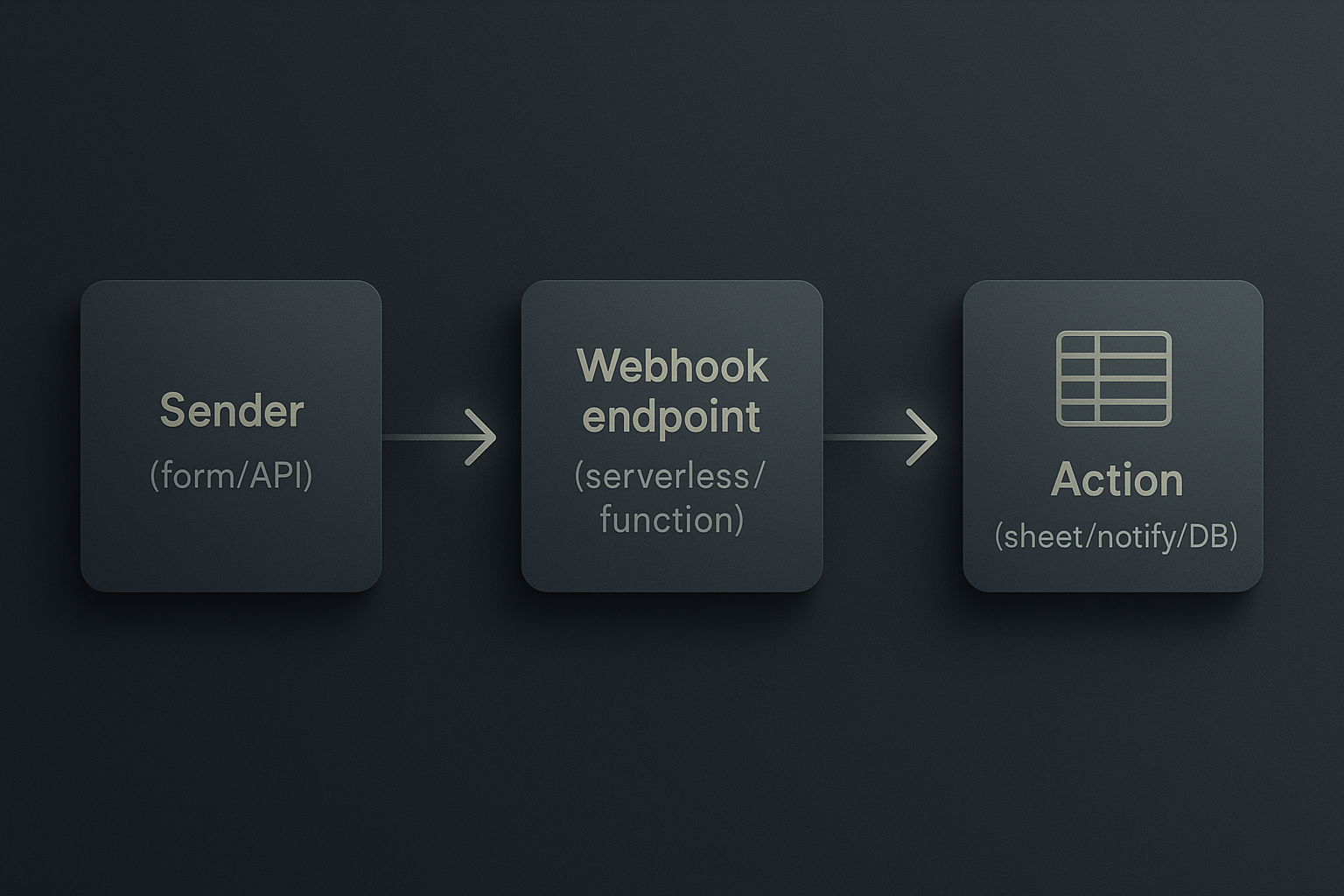
A webhook is a simple URL that accepts incoming HTTP requests. When an external service has new data (a form submission, a payment, a system alert), it sends an HTTP POST to that URL with details. Your endpoint receives the data and does something useful: store it, notify a person, or push it into another system.
Why use webhooks?
- Fast and event-driven: you get data when it happens, no polling.
- Lightweight: no heavy automation platform required for many tasks.
- Flexible: you can write a short handler to do exactly what you need.
When to pick a webhook vs a full automation platform
- Use a webhook when you control at least one side (your endpoint) and want direct, predictable delivery.
- Use a full platform when you need many connectors, visual orchestration, built-in retries, or non-technical team members managing flows.
Four practical webhook use cases for small teams
- Send new form responses to a shared Google Sheet.
- Post critical system alerts (errors/payment failures) to Slack or Teams.
- Create a lightweight lead-capture pipeline: form → CRM stub → email notification.
- Append order data to an accounting spreadsheet for periodic reconciliation.
Each is achievable with a small endpoint (serverless function or lightweight server) and minimal code.
What you need before you start
- A sender that supports webhooks (forms, payment processors, monitoring tools).
- A public endpoint (serverless function, small VPS, or a tunneling tool for local dev).
- A simple handler that accepts JSON and performs a deterministic action.
- Basic security: a secret token, and logging.
Quick 10-minute setup (Node + serverless-friendly)
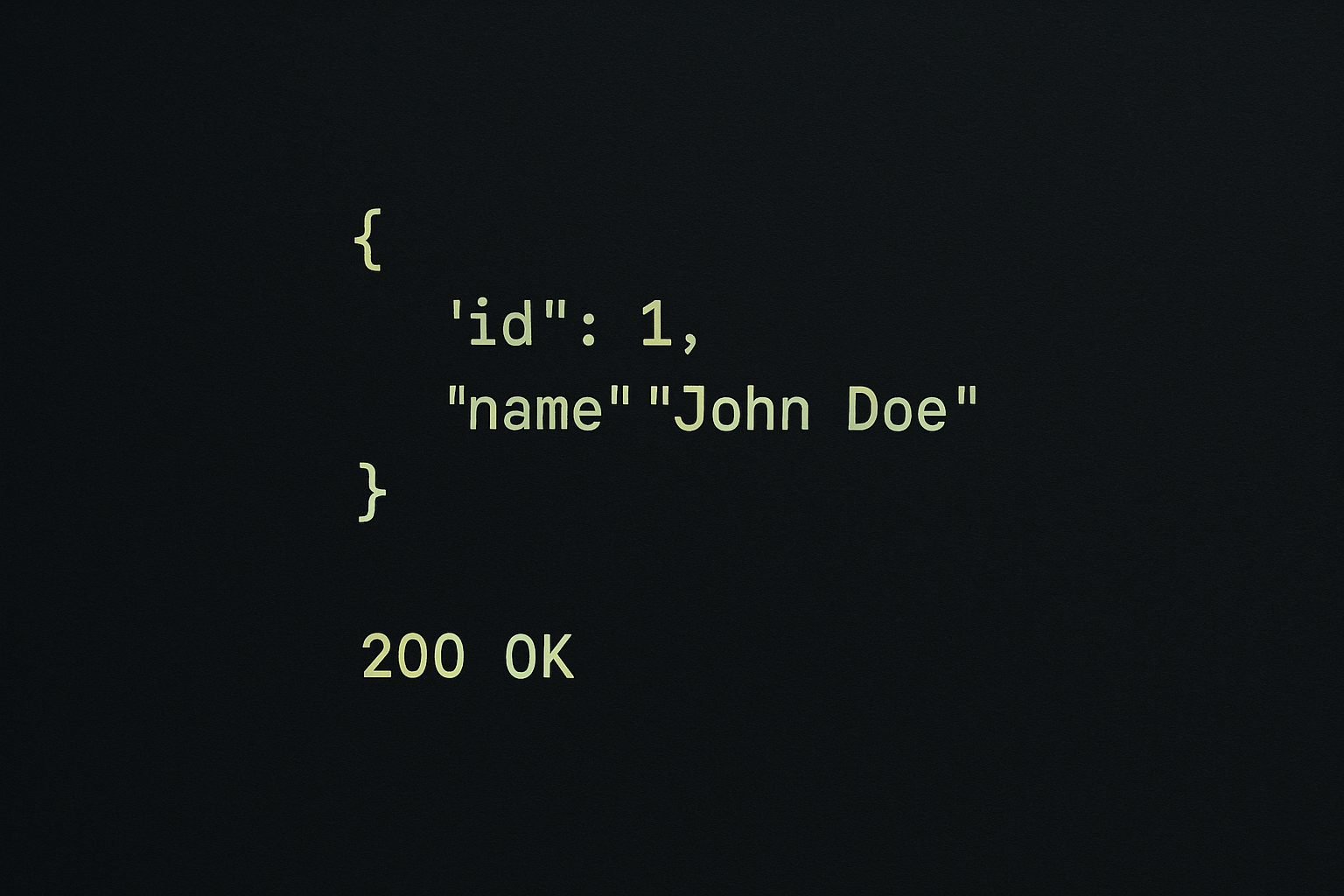
- Create an endpoint that accepts POST requests and returns 200 OK.
- Configure your sender to POST JSON to that endpoint.
- Verify with a test payload and do one real end-to-end test.
Example: Node.js (Express) endpoint
// index.js
const express = require('express');
const app = express();
app.use(express.json());

const SECRET = process.env.WEBHOOK_SECRET; // set this in your environment

app.post('/webhook', (req, res) => {
  const token = req.header('x-webhook-token');
  if (!token || token !== SECRET) return res.status(401).send('unauthorized');

  const payload = req.body;
  // Example action: log and push to a sheet, DB or send a notification
  console.log('received webhook', payload);

  // Do something async but respond quickly
  res.status(200).send('ok');
});

app.listen(process.env.PORT || 3000);
How to test with curl
curl -X POST https://your-domain.com/webhook \
  -H 'Content-Type: application/json' \
  -H 'x-webhook-token: your-secret' \
  -d '{"event":"form.submitted","data":{"name":"Alex"}}'
Two low-code options (if you don't want to write server code)
- Google Apps Script: use a doPost(e) function to accept POSTs and append rows to Sheets. Good for simple flows and teams already in Google Workspace.
- Serverless platforms (Vercel, Netlify Functions, Cloudflare Workers): deploy a tiny function with the same logic and a public URL in minutes.
Example: Google Apps Script snippet (append to sheet)
function doPost(e) {
  const secret = 'expected-secret';
  const token = e.postData.type === 'application/json' ? JSON.parse(e.postData.contents).token : null;
  if (token !== secret) return ContentService.createTextOutput('unauthorized').setMimeType(ContentService.MimeType.TEXT);

  const data = JSON.parse(e.postData.contents);
  const sheet = SpreadsheetApp.openById('SHEET_ID').getSheetByName('Sheet1');
  sheet.appendRow([new Date(), data.name || '', data.email || '', JSON.stringify(data)]);
  return ContentService.createTextOutput('ok');
}
Operational tips (don’t skip these)
- Security: require a shared secret header or token, and rotate it if it’s exposed.
- Idempotency: include an event ID and make your handler ignore duplicates (store processed IDs for a short TTL).
- Retries: many senders retry on non-2xx responses. Make sure your handler is idempotent and fast.
- Logging & alerts: log errors and send immediate alerts for failures so a human can fix the handler.
- Rate limits: expect bursts; queue actions if downstream systems are slow.
Small checklist before going live
- Endpoint is HTTPS and uses a secret.
- Handler responds quickly (ack) and processes heavy work asynchronously.
- You have a retry/duplicate plan (idempotency).
- Minimal monitoring (errors and latency) is in place.
- You've tested with real data and handled edge cases (missing fields).
When this approach isn’t right
Don’t use raw webhooks when you need complex multi-step orchestration, a no-code UI for non-technical staff, or heavyweight retry policies across many connectors. In those cases, evaluate a dedicated integration platform.
Final checklist: realistic, low-effort wins
- Start with one straightforward flow (form → sheet or alert).
- Keep the endpoint simple and safe (secret + logging).
- Monitor and iterate: add idempotency and retries when you see duplicates or failures.
Practical takeaway: Deploy a single webhook handler this week to capture one event type (form or payment); it usually takes under an hour and avoids manual copying, improves reliability, and gives you a building block for later integrations.
