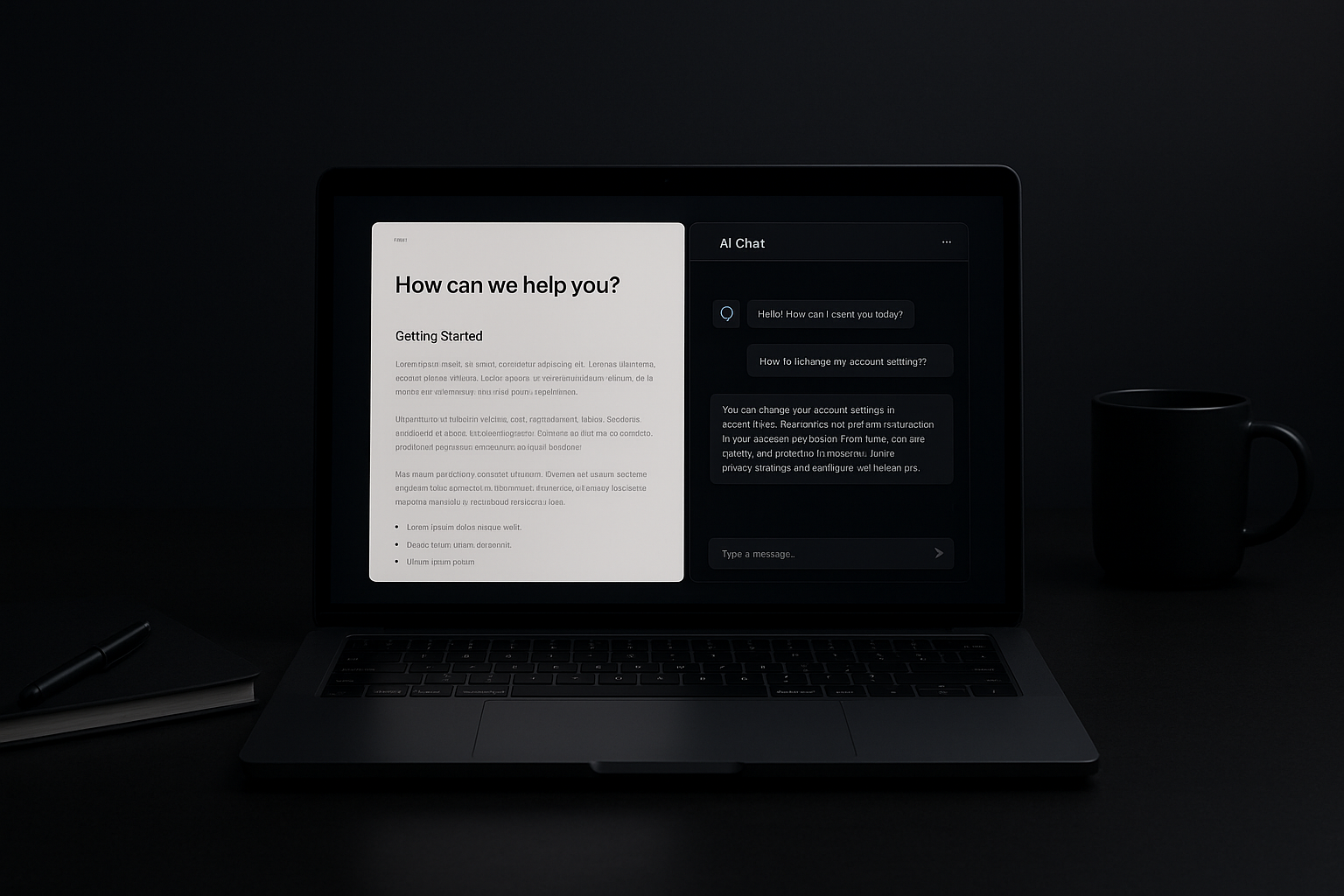
From Help Docs to AI Copilots The Evolution of Support
Support channels have changed from one-way manuals to interactive, context-aware helpers. Each step in that journey solves some problems and creates others. This post walks through the practical tradeoffs of common approaches so you can choose what fits your product, team size, and risk tolerance.
1. Static Help Docs: the original answer
What it is
- Long-form articles, PDFs, knowledge base pages written by product or docs teams.
Why teams start here
- Low-tech and low-cost to launch.
- Easy to version and audit; content is explicit.
- Familiar to customers who like to read and follow steps.
Tradeoffs
- Discoverability: users must know where to look or how to phrase queries.
- Maintenance: docs rot unless there's a regular review process.
- No context: pages can’t adapt to the user’s account, plan, or recent actions.
When to use it
- Early-stage products with limited features.
- Regulated environments where explicit documentation and audit trails matter.
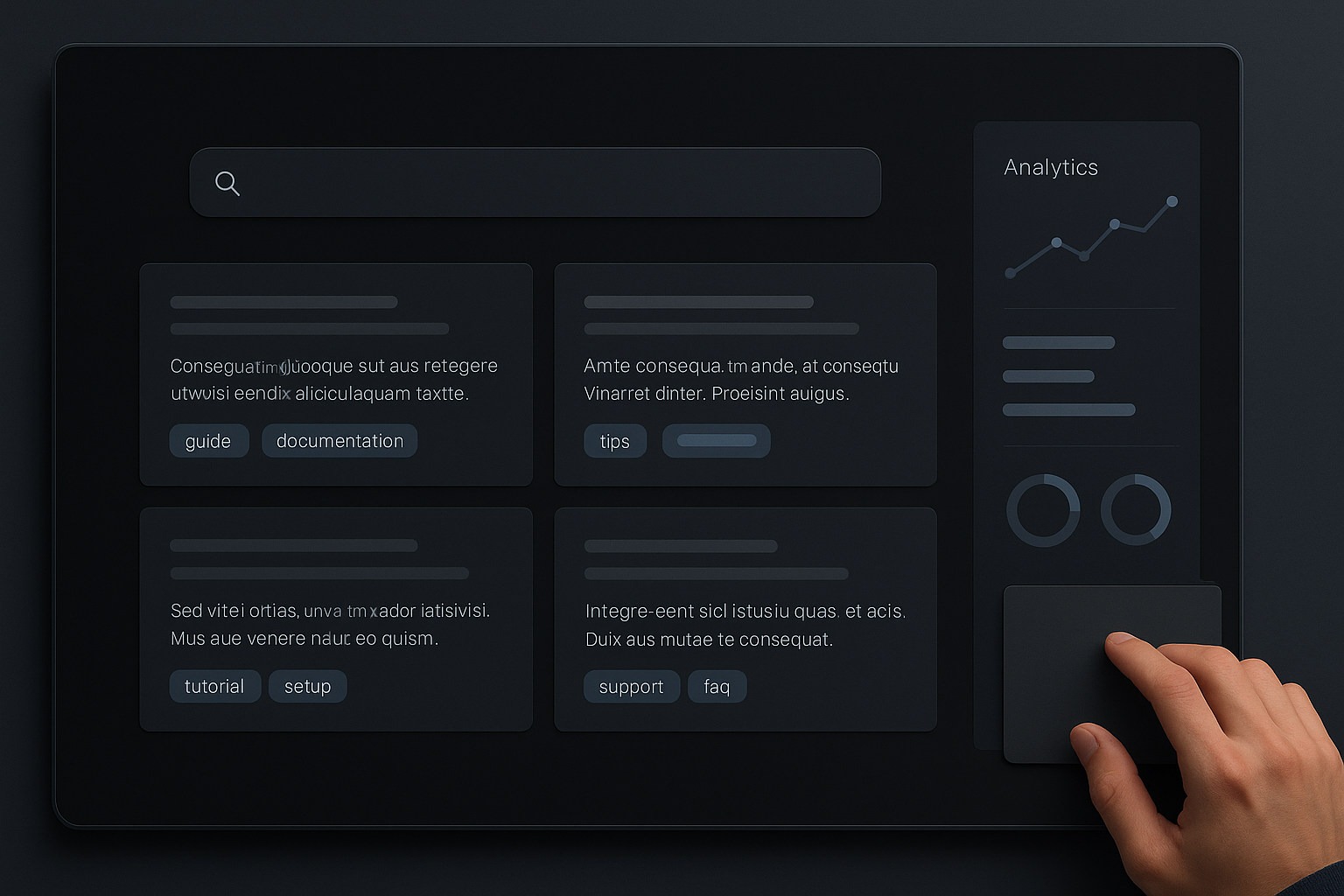
2. Searchable Knowledge Bases and FAQs
What it is
- Help centers with search, categories, and short answers for common issues.
- Often paired with analytics (most-searched queries, zero-results).
Why teams add search
- Improves discoverability over static lists.
- Lets you measure what customers ask for most.
Tradeoffs
- Taxonomy overhead: tags, categories, and redirects require effort.
- Search quality: out-of-the-box search can return irrelevant results without tuning.
- Expectations: quick answers may still lack context.
Practical notes
- Use analytics to surface high-impact pages that need updating.
- Implement synonyms and common-phrase redirects for typical user language.
3. Rule-Based Chatbots and Guided Flows
What it is
- Decision-tree bots, scripted flows, and guided troubleshooting inside the product or on the site.
Why teams choose them
- Converts long troubleshooting steps into bite-sized interactions.
- Can route users to the right human team or resource.
Tradeoffs
- Fragility: rigid flows break with unexpected user inputs.
- Maintenance: updating trees across multiple nodes is manual work.
- Limited depth: rule-based systems struggle with novel or compound problems.
Practical notes
- Keep flows shallow and modular; isolate critical escalation points.
- Log drop-off steps to identify where users leave the flow.
4. In-Product Assistants and Contextual Help
What it is
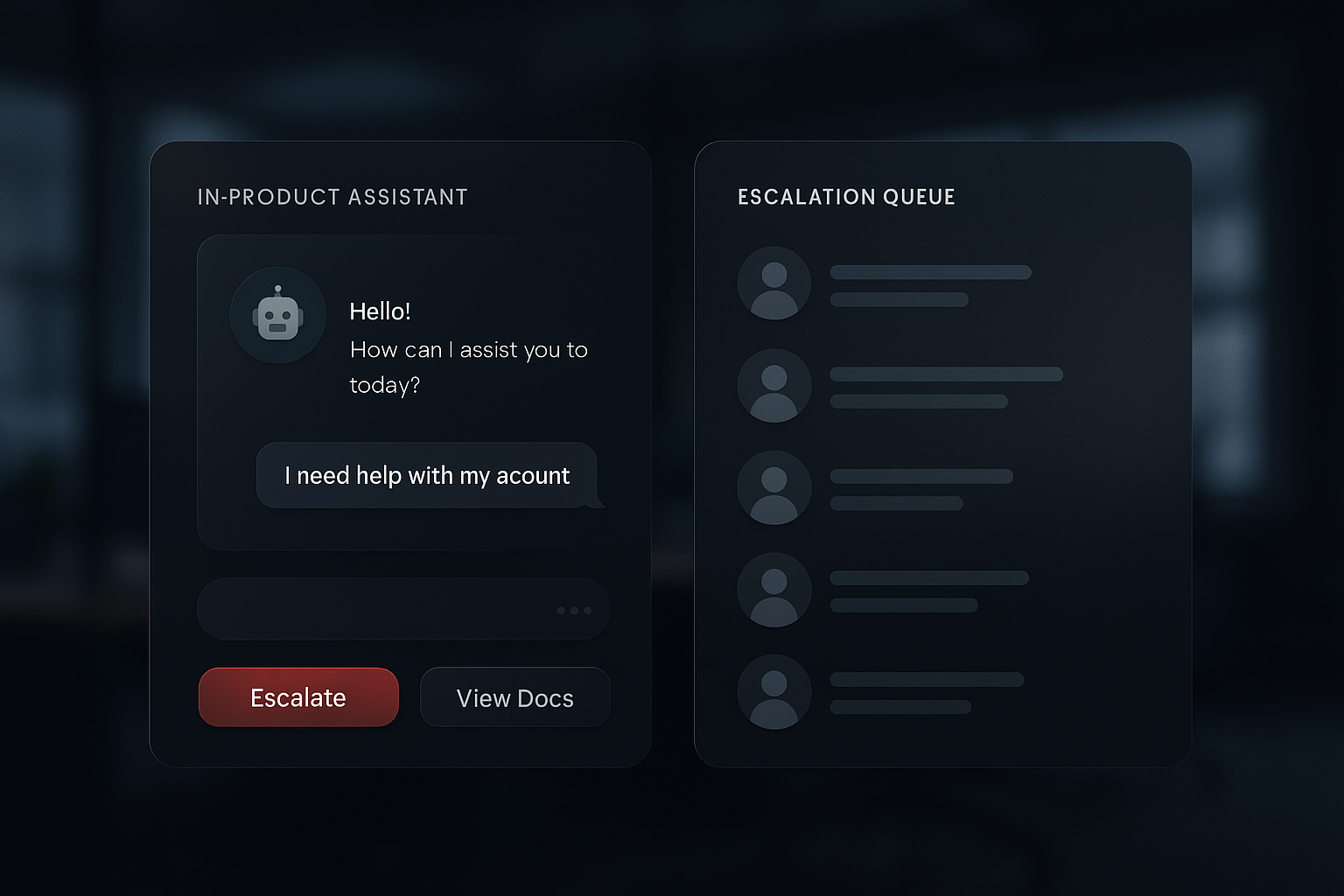
- Tooltips, contextual prompts, or embedded assistants that react to the user’s current screen, settings, or recent actions.
Why teams adopt them
- Reduces friction by offering help exactly where users need it.
- Can shorten resolution times and increase feature adoption.
Tradeoffs
- Instrumentation cost: you must capture enough context and keep it private.
- UX risk: poorly timed prompts annoy users and can reduce trust.
- Personalization maintenance: different user roles and plans need different messaging.
Practical notes
- Prioritize non-intrusive affordances (help icons, “?” links) before modal prompts.
- A/B test timing and copy; check behavior metrics, not just bounce rates.
5. AI-Powered Assistants and Copilots
What it is
- Generative models that answer queries, summarize account data, and suggest next steps — sometimes operating inside the product with access to user context.
Why teams are integrating them
- Natural-language interactions are easier for many users than navigation.
- They can draft responses, triage tickets, and assist agents.
Tradeoffs
- Accuracy and hallucination: language models can produce confident but incorrect answers.
- Data privacy: connecting models to customer data requires strict controls and auditing.
- Observability: it’s harder to explain why a model gave a specific recommendation.
- Cost: API usage and post-processing (validation, retrieval) can increase operational expenses.
Practical guardrails
- Retrieval-augmented generation (RAG): pair the model with a curated, versioned knowledge store rather than unconstrained web sources.
- Confidence indicators: show source links, citations, or a confidence score and let users request human help.
- Rate-limited actions: prevent assistants from taking high-impact actions (billing changes, data deletion) without human approval.
- Logging and review: capture inputs, outputs, and the sources used for audits and model retraining.
Choosing the right layer (or combination)
Support doesn’t need to be a single choice. Most mature products benefit from a layered approach:
- Baseline: Maintain clear, versioned documentation for compliance and stability.
- Mid layer: A searchable knowledge base and short FAQs for discoverability.
- Interaction layer: Shallow guided flows for frequent, structured problems.
- Assistive layer: Contextual prompts and, where appropriate, AI copilots for natural interactions and triage.
How to decide
- Volume vs. complexity: high-volume, low-complexity issues are good for automation. Low-volume, high-stakes issues need human oversight.
- Trust and risk: if an incorrect action has business or legal consequences, require human confirmation.
- Cost to maintain: automation can reduce repetitive work but adds technical debt.
Measuring success
Track a small set of clear metrics tied to business goals:
- Time-to-resolution and first-contact resolution rate.
- Escalation rate from bot/assistant to human agent.
- Customer satisfaction (CSAT) with assisted interactions.
- Content health: search zero-results, top search queries, and stale-doc reports.
Use these metrics to guide where to invest and where to pull back.
Implementation checklist (practical steps)
- Audit your current support content and map it to user journeys.
- Identify 3–5 high-frequency issues suitable for automation.
- Start with a searchable KB and instrumental logging for those issues.
- Build shallow guided flows for the simplest automation candidates.
- Pilot an assistant with RAG and strict read-only access to sensitive systems.
- Add escalation paths and human-in-the-loop checks before expanding scope.
- Monitor metrics and iterate every 4–8 weeks.
Closing: the real tradeoff
Support evolves because users want faster, more contextual help and teams want to reduce repetitive work. But every gain in convenience comes with maintenance, governance, and trust costs. The practical choice is rarely “all AI” or “all docs.” It’s a measured stack: clear documentation, good search, conservative automation, and careful use of AI where it demonstrably reduces friction without exposing the business to undue risk.
Practical takeaway: start small, measure impact, and add context-aware assistance only after you can reliably detect the events or states that make an automated response safe and useful.
