
From Command Lines to Chat Interfaces: A Short History of Getting Computers to Listen
Computers don't "understand" us — they follow interfaces. That relationship has changed slowly, then suddenly, over the past 70 years. For business teams, each interface shift rewired who could get work done, how processes were automated, and what systems required human oversight.
This post walks through the major interface eras, what they solved, what they traded away, and practical guidance for choosing interfaces today.
1. Punch cards and batch: predictability and gatekeepers
Before interactive sessions, people fed programs with punch cards and waited for batch jobs to complete. The benefits were clear for businesses that needed repeatable outputs: predictable runs, auditable inputs, and minimal interruption.
Drawbacks for businesses:
- Access was limited to specialists who understood the tooling.
- Iteration was slow — mistakes meant another batch run.
- Integration between systems was manual and brittle.
Business lesson: early systems prioritized reliability over rapid feedback. That tradeoff still matters when you need auditability and controlled execution (e.g., payroll, billing).
2. Command lines and terminals: control through precision
Command-line interfaces (CLIs) gave power users direct control. Scripting, pipes, and shell tools enabled automation and repeatability. For engineers and operations teams, CLIs were fast, composable, and efficient.
Why teams kept CLIs:
- Automations are explicit and versionable (scripts and cron jobs).
- Low overhead: minimal UI layers meant fewer failure points.
- Highly automatable and ideal for batch workflows or DevOps.
Business caveat: CLIs scale poorly for non-technical users. They increase dependence on a few people and can hide business logic inside opaque scripts.
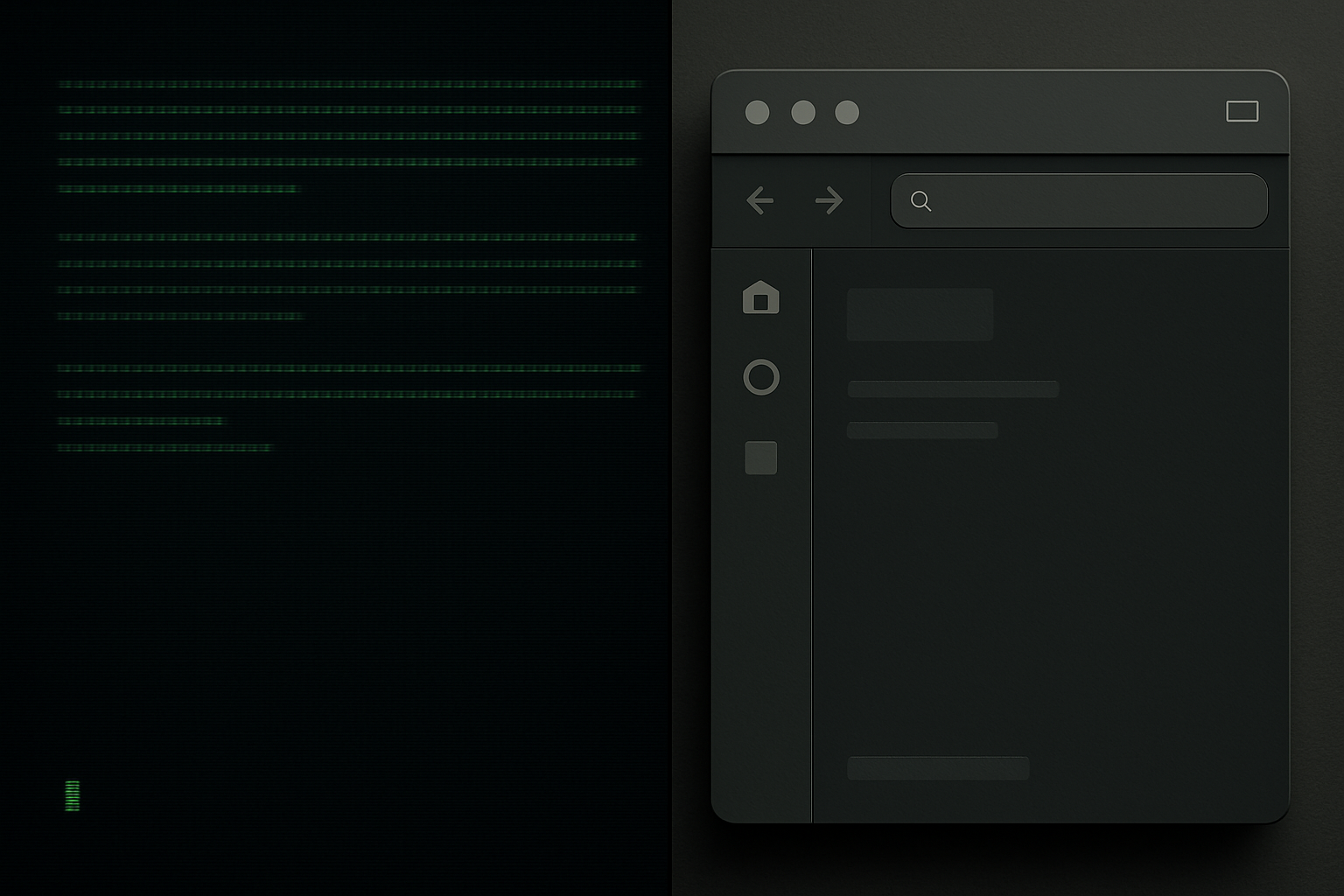
3. Graphical UIs: democratization with discoverability costs
Graphical user interfaces brought metaphors (windows, files, folders) that made computing accessible to more roles. Sales, HR, and finance could use apps without command-line training. GUIs lowered the barrier to entry, enabling broader digital adoption across organizations.
The tradeoffs:
- GUIs can hide automation and business rules behind clicks.
- They improve discoverability for common tasks but often fragment workflows across multiple apps.
- Designing good GUIs requires investment in UX; poor designs slow teams.
When GUIs are right: customer-facing apps, dashboards, tools where discoverability and visual feedback matter.
4. The web, search, and API-first systems: connecting work
The web changed the endpoint. Interfaces became distributable — browser-based apps, search-driven access, and API-first backends. For business systems, that meant:
- Easier integration between services (webhooks, REST APIs).
- Centralized data access and single sign-on patterns.
- Emergence of SaaS: teams choose best-in-class tools rather than building everything.
Practical note: web interfaces improved access but often increased fragmentation. Teams rely on integrations and connectors to keep processes coherent.
5. Mobile and voice: interaction becomes contextual
Mobile interfaces brought location-aware and context-sensitive interactions. Voice interfaces added hands-free, natural-language input. Both forced designers to simplify tasks and reduce friction.
Implications for business systems:
- Task scope shrinks: mobile/voice suit short, frequent interactions (approvals, notifications).
- Design must assume intermittent attention and variable connectivity.
- Security and privacy constraints become more visible (device loss, voice spoofing).
6. Conversational and chat interfaces: lowering the barrier to action
Chat interfaces — from simple bots to complex conversational agents — blend text input with automation. They aim to make systems respond to requests written in human language rather than clicks or commands.
What chat interfaces bring to business:
- Accessibility: more roles can request data or actions without learning a new GUI.
- Composability: conversations can orchestrate multiple services (look up a record, trigger a workflow).
- Audit trails: chat logs can double as transcripts of decisions if designed correctly.
What to watch for:
- Ambiguity: natural language is flexible but imprecise; validation and confirmation flows are essential.
- Hidden logic: conversational shortcuts can obscure who is responsible for outcomes.
- Overreliance on the interface: not every task benefits from a chat wrapper (high-risk operations still need explicit checks).

7. Agents and automation: new patterns, familiar tradeoffs
Agents combine conversation with proactive automation: trigger an expense approval, surface anomalies, or run a report when conditions are met. They can reduce manual handoffs and speed execution.
Design and governance tips:
- Start with human-in-the-loop for critical decisions.
- Log intent and actions separately: who asked, what was done, why.
- Provide easy undo and escalation paths.
- Treat prompts and agent behaviors like configuration — version them and review changes.
Choosing the right interface for your team
Use these simple filters when deciding between interfaces:
- Who needs access? If it's technical staff only, CLIs and scripts may be best. Broader audiences push you toward GUIs or chat.
- How repeatable is the task? Highly repeatable, high-volume tasks benefit most from automation; consider APIs and agents.
- How risky is a mistake? High-risk operations need stronger confirmations and audit trails; a chat message alone isn't sufficient.
- How discoverable should the function be? Visual interfaces help discoverability; search and chat need good metadata and clear help flows.
Practical migration checklist:
- Map current workflows and identify pain points.
- Prototype the simplest interface that removes the biggest friction.
- Add telemetry: measure usage, errors, and escalation frequency.
- Train and document: even conversational systems need guidelines and examples.
- Iterate: adjust confirmations, fallbacks, and handoffs based on real usage.
Quick operational patterns to apply now
- Keep business logic out of UI clicks: put rules in services or middle layers so you can swap interfaces without reimplementing behavior.
- Prefer short conversational flows for frequently used tasks, not for complex decision-making.
- Provide explicit "why" for automated actions (who authorized it, which rule triggered it).
- Use role-based access to limit who can trigger agent-driven automations.
Practical takeaway
Interfaces shape who can act and how reliably they can do it. Match the interface to the people, the task risk, and the need for auditability — then instrument and iterate.
