
Is Spatial Computing Finally Useful for Work
Spatial computing (AR/VR/MR) has moved from demo-stage spectacles to a growing set of business experiments. The question for teams: are these tools solving real problems, or just creating shiny distractions?
This post looks past hype and gives practical criteria, common use cases where spatial computing is already useful, realistic limitations, and a short checklist you can use to evaluate pilots.
Quick definition
- Spatial computing: digital content that is positioned and manipulated in three-dimensional physical space (examples: augmented reality overlays, mixed reality headsets, immersive virtual environments).
- For business workflows this usually means: hands-free information, spatially anchored data, 3D visualization, and interfaces that blend with a physical environment.
When spatial computing is clearly useful today
Look for these conditions — when they are present, spatial tools often help.
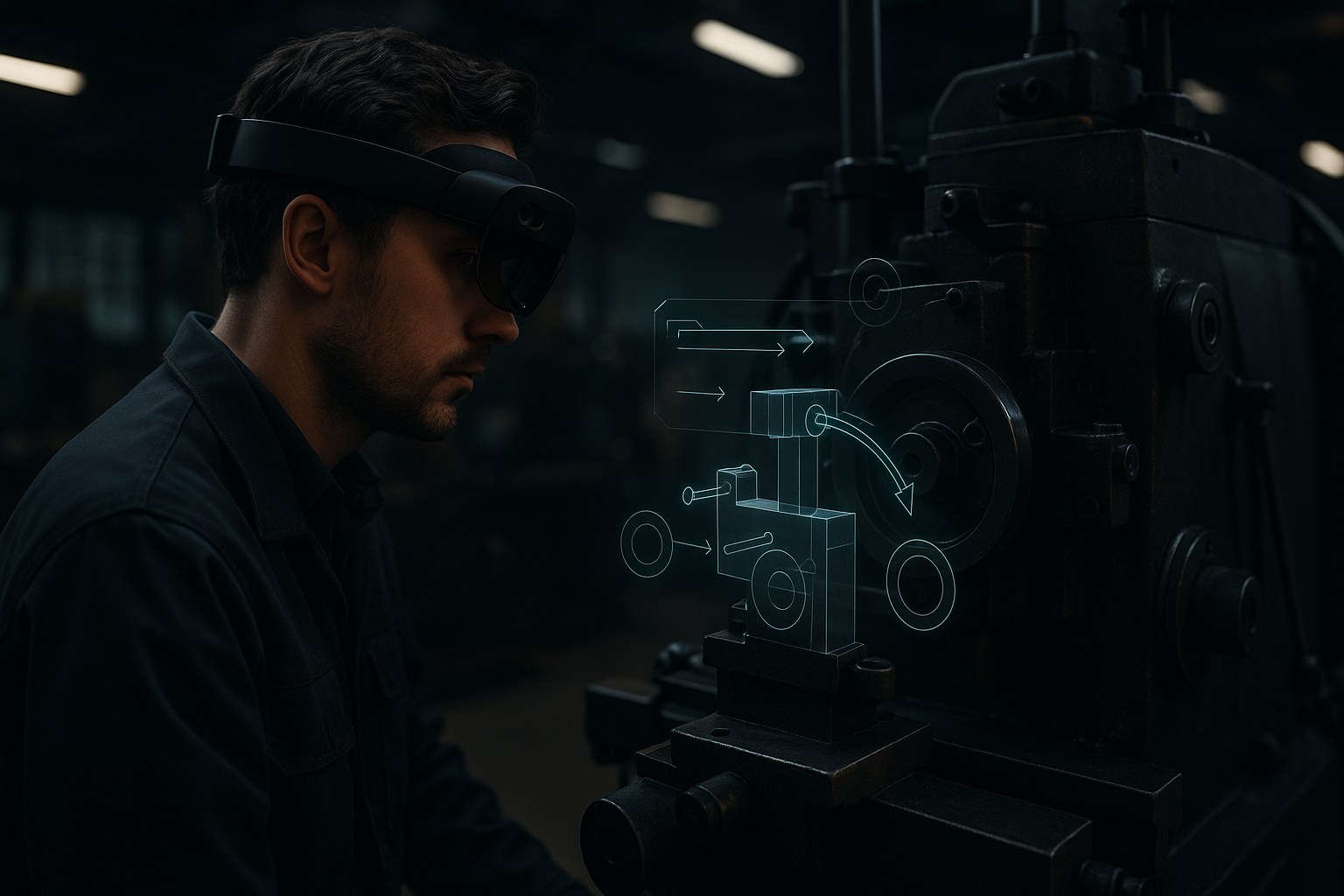
- Physical context matters. Tasks that require spatial understanding of objects, machines, or environments (maintenance, installation, architecture) benefit from overlays and 3D guides.
- Hands-free value. When workers need both hands and situational awareness, head-worn AR that surfaces contextual data is practical.
- 3D data is canonical. If your core data or deliverable is spatial (CAD, point clouds, part assemblies), viewing and manipulating it in 3D is more efficient than flattening it to 2D.
- Repeated procedural work. Standardized inspections, step-by-step repairs, and regulated checklists scale well with spatial guidance and reduce human error.
Examples of practical workflows
- Field service: step-by-step AR overlays reduce time-to-fix and errors because the instructions are anchored directly to the equipment.
- Assembly and manufacturing: spatial instructions reduce cognitive load versus paper or tablet checklists.
- Design reviews: 3D models in space help cross-functional teams discuss scale and ergonomics faster than screenshots.
- Training and onboarding: simulated environments let trainees practice procedures in safe, repeatable conditions.
Where spatial computing still falls short
Be explicit about the limits so pilots don't overpromise.
- Hardware friction: headset comfort, battery life, and hygiene matter. Long shifts amplify small inconveniences.
- Input and interaction: precise manipulation of small UI elements is still easier with mouse/keyboard or touch for many tasks.
- Integration gaps: spatial apps that can't talk to your ERP/PLM/CRM become single-purpose islands.
- Deployment and support: rolling headsets to hundreds of frontline workers requires logistics, provisioning, and device management, which many teams underestimate.
- Environmental constraints: bright sunlight, reflective surfaces, or noisy radio environments can degrade tracking and performance.
Measuring usefulness: simple metrics that matter
Avoid vague ROI claims. Use these concrete measures for pilots:
- Time-on-task: does the spatial workflow reduce elapsed time for a task compared to the baseline?
- Error rate: are fewer steps missed or mistakes made when using spatial guidance?
- Training time: how much faster do new hires reach competency?
- Handovers and escalations: does the number of escalations or remote expert calls drop?
- Adoption and cycle time: how often do people actually use the tool during daily work?
Practical pilot checklist
Before investing in a broad rollout, validate with a small, measurable pilot.
- Define a narrow, repeatable workflow (one machine, one task, one location).
- Set 2–4 measurable outcomes from the list above (time, errors, training time, calls).
- Ensure data integration points: can the spatial app read/write the records that matter (work orders, part IDs, schematics)?
- Test hardware under realistic shift conditions (8+ hours, PPE, sunlight, vibration).
- Train a small group and collect qualitative feedback alongside metrics.
- Plan for provisioning and updates: remote device management and security policies.

Design and UX considerations that actually matter
- Contextual timing: show relevant information at the moment it’s needed, then remove it. Overlays that linger create clutter and cognitive load.
- Spatial anchoring: anchor information to real-world objects, not arbitrary coordinates. Anchors should be robust to movement and occlusion.
- Fallbacks: provide a non-spatial fallback (mobile, desktop) for edge cases or when hardware fails.
- Minimalism: prefer simple, prioritized overlays rather than full-screen virtual dashboards.
- Accessibility: consider eyesight differences, audio cues, and alternative input for users who can’t wear headsets.
Integration and governance
Spatial computing is most useful when it extends existing systems, not replaces them.
- Treat spatial apps like any business app: enforce authentication, logging, and access controls.
- Ensure your data model supports spatial use (part geometry, geolocation, asset IDs).
- Build integration points early: synchronization with work order systems, inventory, and change control avoids manual reconciliation.
Cost vs benefit: a pragmatic view
Spatial computing isn't cheap yet. Costs include devices, software, integration, support, and training. But benefit accrues when the technology reduces rework, travel, or downtime. A small number of high-value problems can justify the investment; widescale adoption requires predictable hardware economics and tight integration.
Where spatial computing will likely become more practical next
- Better persistence and anchoring across devices will reduce setup time for anchored information.
- Improvements in passthrough and comfort will make headsets usable for longer shifts.
- More standard APIs and enterprise integrations will reduce custom engineering costs.
- Hybrid interfaces: better ways to combine spatial UIs with voice, mobile, and desktop will broaden applicability.
Final advice for leaders
- Start with problems that are spatial by nature and repeatable.
- Measure hard outcomes, not impressions: time, errors, escalations, and training speed.
- Plan device lifecycle and integration from day one.
- Require fallback workflows to avoid single points of failure.
- Keep pilots small, measurable, and strictly scoped.
Practical takeaway: run a focused pilot on one repeatable, physical task; measure time and error improvements; and only then scale once the integration and device plan are proven.
