
Why Exceptions Matter More Than Happy Paths in Automation
Automation projects are often judged by how fast the happy path runs: invoices processed, forms approved, signup flows completed. That’s necessary, but not sufficient. The edge cases—the exceptions—are what determine whether a workflow survives in production.
This post explains why exceptions matter, common failure modes, practical design patterns, and a short checklist you can apply this week.
The difference between "works" and "useful"
- "Works" in a lab: an automation completes a scripted happy-path 95% of the time during demo.
- "Useful" in production: it deals with bad inputs, partial failures, slow downstream services, human overrides, and ambiguous data.
A system that only handles the happy path will create more operational overhead than it removes. Teams patch around it, add manual steps, and eventually stop trusting the automation.
Why exceptions break workflows
Typical reasons automations fail outside the happy path:
- Unexpected or malformed input (e.g., missing fields, wrong file formats).
- Transient downstream failures (rate limits, timeouts, partial writes).
- Business rule edge cases (out-of-scope customers, mixed currencies, special discounts).
- Human decisions or approvals that arrive late or contradict automated steps.
- Data drift and schema changes in connected systems.
Each of these turns a single automated flow into multiple branching paths. If those branches aren’t accounted for, the system falls back to manual work or creates silent failures.
A short example: invoice processing
Happy path: Receive invoice PDF → OCR → extract fields → post to accounting → pay.
Common exceptions:
- Poor scan quality → OCR fails.
- Missing vendor tax ID → accounting rejects.
- Duplicate invoice number → requires review.
- Partial payment recorded upstream → reconciliation mismatch.
Automating only the happy path means every exception creates a manual ticket and context-switches for humans. That erodes the value of the automation fast.

Design patterns that make exceptions manageable
- Detect early and validate strictly
- Validate inputs at the first touchpoint (schema, required fields, basic business rules).
- Reject fast with clear error codes so downstream systems don’t get confused.
- Classify exceptions; don’t treat all errors the same
- Transient (retryable): network hiccups, rate limits.
- Deterministic (human action required): missing legal fields, conflicting approvals.
- Data-quality (needs enrichment): OCR low confidence, ambiguous IDs.
Different classes need different handling: retries, automated enrichment, or human-in-loop.
- Human-in-loop and clear handoffs
- Create concise, actionable tasks for humans when they must intervene.
- Include the minimum context (what failed, why, suggested next steps).
- Track state and ownership to avoid duplicate work.
- Idempotency and safe retries
- Design actions so they can be retried safely (idempotent writes, dedup keys).
- Use exponential backoff and circuit breakers for transient failures.
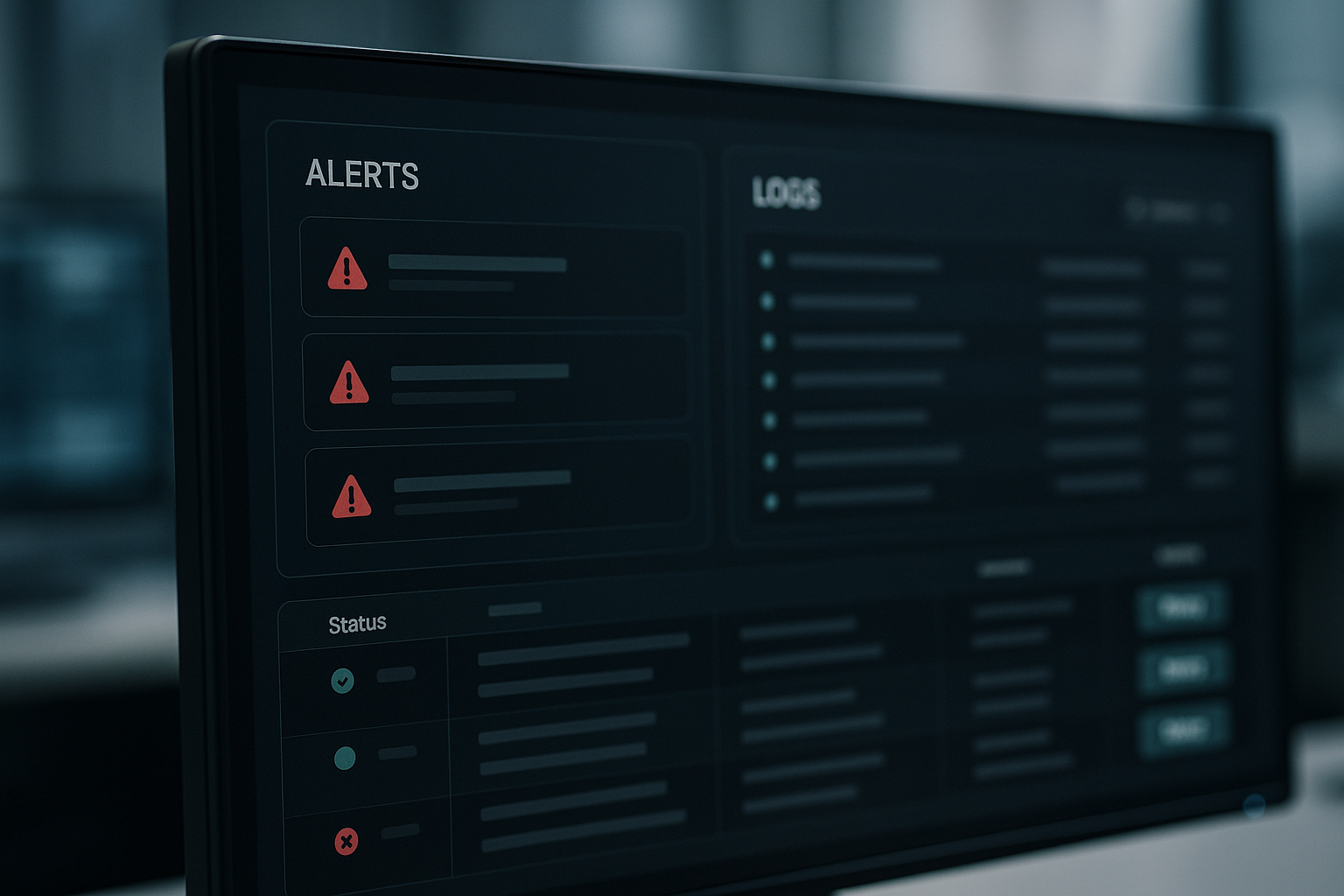
- Observability and meaningful alerts
- Log structured events (error type, input snapshot, correlation IDs).
- Surface counts and trends, not just one-off alerts—this helps spot systemic issues.
- Fallbacks and degrade gracefully
- If high-confidence automation fails, revert to a simpler, safer flow rather than stopping everything.
- Example: if field extraction confidence < threshold, route to quick human review instead of retrying OCR endlessly.
Implementation checklist (practical steps)
- Map the happy path and identify likely exception points.
- For each point, decide the handling strategy: retry, enrich, human review, or fail fast.
- Add structured logging and correlation IDs from end to end.
- Implement at least one human-in-loop path with clear ownership and SLAs.
- Create runbooks for common exceptions (how to diagnose, resolve, and prevent recurrence).
- Add dashboards showing exception rates, mean time to resolution, and top error types.
Tradeoffs and resource allocation
You can’t build perfect coverage for every edge case immediately. Prioritize by:
- Frequency: handle errors you see most often first.
- Cost of manual work: automate fixes for the steps that create the most manual overhead.
- Business risk: prioritize exceptions that cause incorrect charges, compliance issues, or lost revenue.
Accept that some low-frequency, low-cost exceptions will remain manual—document them and revisit if patterns change.
Measuring success
Track these simple metrics:
- Exception rate (exceptions / total workflows).
- Mean time to detect (how long until an exception surfaces in monitoring).
- Mean time to resolve (human or automated fix time).
- Manual work hours saved (approximate before vs after automation).
A lower exception rate and faster resolution time are better signals than raw throughput.
Getting started this week
- Run a quick audit: collect 30 recent failed or manual tickets related to the automated flow.
- Group them by type and pick the top 3 categories causing the most friction.
- Implement one change: a validation rule, a retry with backoff, or a simple human review screen.
- Add a dashboard tile for that exception type and track improvements.
Practical takeaway
Automation isn’t about eliminating work; it’s about moving decision-making to the best place. Designing for exceptions—detecting them early, routing them clearly, and measuring them—turns fragile automations into reliable business systems.
