
What Agent Sprawl Looks Like Inside a Growing Company
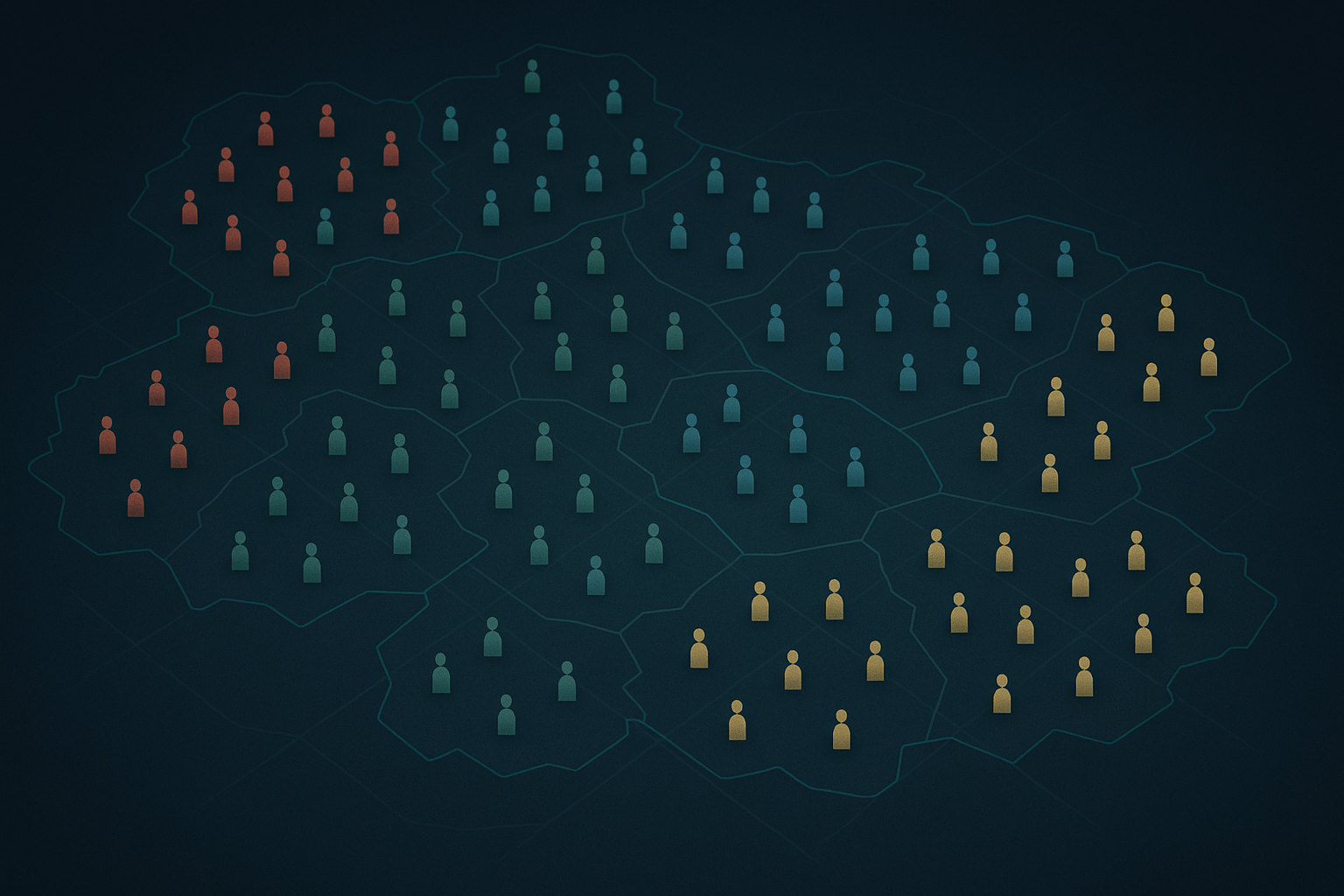
Agent sprawl is the practical problem that shows up when teams adopt many AI tools, small agents, and automations independently. Each one can be useful on its own. Together they can create confusion, hidden costs, and operational risk.
This post explains how to recognize agent sprawl, why it matters, and concrete steps to contain it while preserving speed and experimentation.
What "agent sprawl" actually means
Agent sprawl = many independent AI-driven tools and bots operating across an organization without a clear inventory, standards, or integration plan.
Key characteristics:
- Multiple teams run similar agents for similar tasks (duplicates).
- Agents sit in different systems with different credentials and logs.
- No single place to discover what exists or who owns it.
- Cost, data leakage, and performance issues appear unexpectedly.
Common signs you're already there
Look for these practical signals:
- Unexpected bills or API spikes tied to obscure endpoints.
- Multiple Slack bots or automation tools answering the same questions.
- Teams re-uploading the same data to every new tool instead of reusing a canonical source.
- Security team receives alerts about unknown service accounts.
- No clear rollback or incident plan when an agent misbehaves.
Why this matters (beyond "it's messy")
- Operational risk: Disconnected agents can act on sensitive data without consistent access policies.
- Cost inefficiency: Duplicated work and idle agents increase spend.
- Poor UX: Different agents give inconsistent answers to employees and customers.
- Compliance headaches: Harder to produce an audit trail when actions are spread across many tools.
All of these erode trust in automation, and teams respond by pulling back or creating yet more point solutions — a feedback loop.
Practical containment: a short checklist to stop the rot
These steps are practical and low-friction. Tackle them in this order.
Inventory what exists
- Ask teams for a short form: tool name, owner, purpose, endpoints, credentials, cost center.
- Capture logs, destinations for data, and any external integrations.
A simple inventory CSV can be enough at first: owner, tool, purpose, scope, data touched.
Classify risk and value
- For each entry, mark: sensitive data access (yes/no), business critical (yes/no), cost impact (low/med/high).
- Prioritize agents that touch customer data, payment flows, or core product features.
Decide a governance model (centralized, federated, or hybrid)
- Centralized: useful when security and consistency are top priorities (finance, legal).
- Federated: keeps speed with local control but enforces central guardrails (teams own agents, central team manages policies).
- Hybrid: central platform provides common services (auth, logging, discovery) while teams build agents.
Build basic guardrails
- Authentication and secrets: mandate managed secrets (vaults), no hard-coded keys.
- Logging: require structured logs and a retention policy.
- Rate limits and budget alerts: prevent runaway usage.
- Access controls: role-based or team-specific permissions.
Improve discoverability
- Create a simple catalog (even a shared doc or spreadsheet to start).
- Add short descriptions and owner contacts.
- Make it part of onboarding: new agents must be registered.
Favor integration over duplication
- Encourage teams to reuse canonical data sources and APIs rather than copying data into new agents.
- Provide easy-to-use adapters or SDKs so teams can connect to central services quickly.
Monitor and iterate
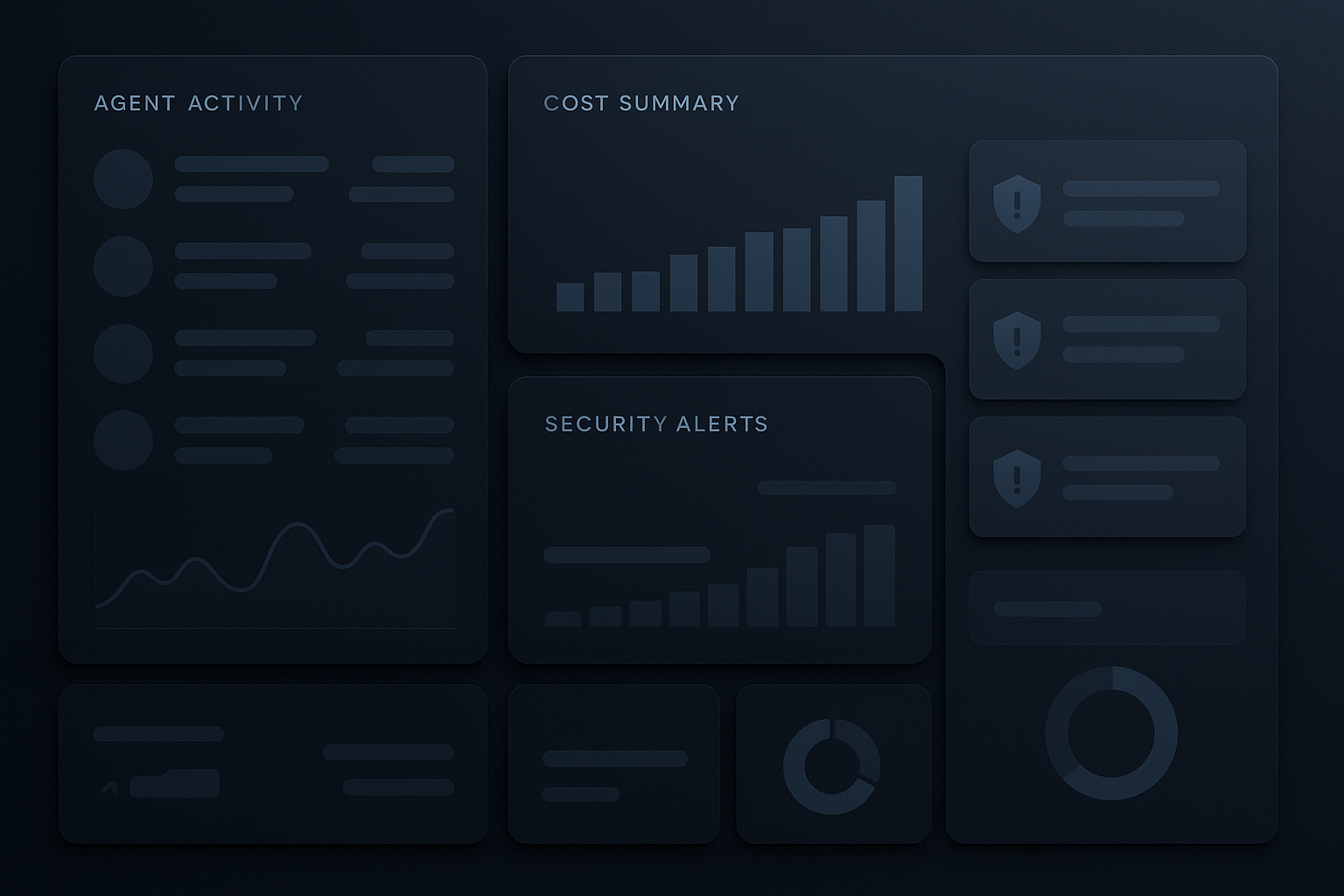
- Track a small set of metrics: number of registered agents, number of unregistered agents discovered, monthly spend per agent, security incidents.
- Review quarterly and adjust policies.
Design patterns that reduce sprawl
- Shared services: authentication, logging, and data connectors provided by a central platform.
- Agent templates: vetted starter agents for common use cases (summaries, ticket triage) teams can fork securely.
- Lightweight orchestration: an orchestration layer that sequences agents and enforces policies without replacing them.
- Feature flags: enable/disable agents in production quickly to limit blast radius.
A short implementation plan for the first 90 days
Week 1–2: Run an inventory sprint
- Send the form, collect responses, and do quick discovery (logs, cloud bills).
- Identify the top 10 agents by spend or risk.
Week 3–6: Apply immediate guardrails
- Require managed secrets and basic logging for the top 10.
- Add rate limits and set budget alerts.
Week 7–12: Build foundational services
- Launch a lightweight catalog and a template repository.
- Define a registration policy and a simple review process for new agents.
After 90 days: Measure and refine
- Use metrics to decide if you need more centralization or to loosen rules to restore team velocity.
Small governance, big impact
You don't need a heavy committee to get value. Start with pragmatic controls that unblock teams while removing the most dangerous failure modes:
- Require registration and ownership.
- Stop secret sprawl.
- Make costs and logs visible.
Those three actions prevent most of the common failures without killing innovation.
When to tighten vs. when to loosen controls
Tighten when:
- Agents touch regulated customer data.
- Repeated incidents or unexpected costs occur.
- Multiple teams report conflicting agent behavior to customers.
Loosen when:
- Teams show clean logs, owned agents, and predictable costs.
- Central services offer usable templates and quick integration.
Final checklist (copyable)
- Inventory of agents with owner and purpose
- Top risk/value agents identified
- Managed secrets in use (no hard-coded keys)
- Structured logging enabled
- Budget alerts and rate limits in place
- Public catalog with discovery and owners
- Templates and adapters available
Practical takeaway: Start with inventory, enforce a few guardrails (secrets, logs, budgets), and provide lightweight shared services — that combination prevents most agent sprawl while keeping teams productive.
