
How Business Tech Moved from Back Office to Front Line
Technology that used to live in the shadows of accounting, inventory, and batch jobs now shows up in the customer’s hands, on store counters, and inside chat windows. This post explains why that shift happened, what it looks like in practice, and how teams can implement it safely and incrementally.
What "back office" meant
Back-office tech supported internal processes: ledgers, nightly reconciliation, paper workflows, and large on-prem servers. The goals were reliability, compliance, and cost control. Interfaces were built for specialists, not customers. Visibility into those systems was limited to occasional reports and dashboards.
Why the shift happened
Several practical forces moved tech forward:
- Customer expectations: People expect real-time updates, transparency, and self-service. They judge the brand by interactions that expose your systems.
- Ubiquitous devices and channels: Mobile, web, kiosks, and in-person tablets create places for operational systems to appear.
- Modular tech and APIs: Cloud services and APIs let teams expose small pieces of functionality safely rather than entire monoliths.
- Automation and agents: Automated processes and conversational assistants can sit in customer channels, acting on internal systems directly.
- Faster release practices: Continuous delivery and feature flags make it safer to ship customer-facing changes frequently.
None of these are trends for trend’s sake — they solve real expectations and operational limits.
What visible business tech looks like today
Concrete patterns you’ll recognize:
- Real-time order tracking tied to inventory and logistics systems.
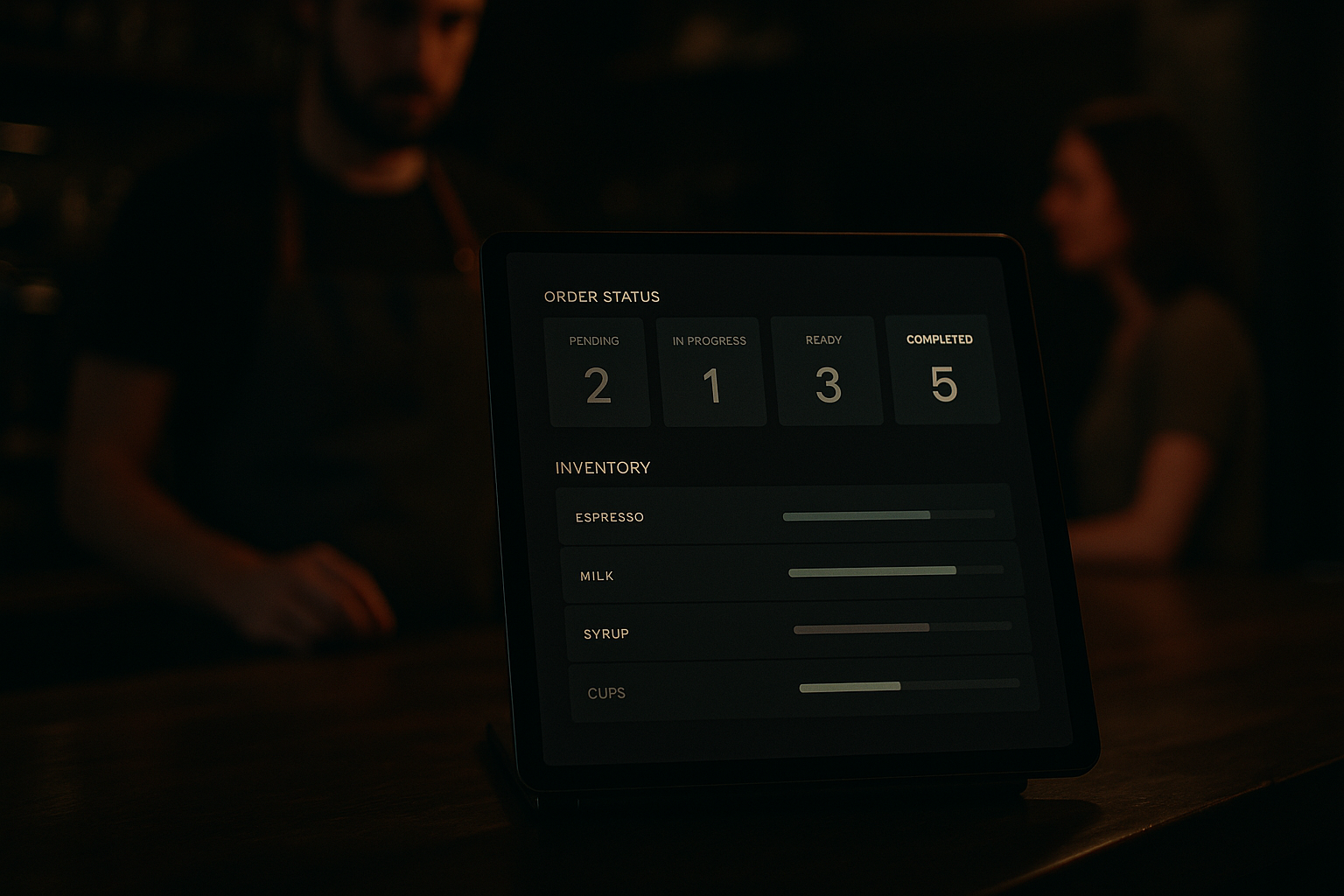
- In-store tablets that show promotions, pricing rules, and stock alongside CRM notes.
- Chat or voice assistants that can check orders, create tickets, or surface account data.
- Embedded payments and approvals that call backend authorization services in milliseconds.
- Customer portals that expose billing, usage, and configuration previously handled by staff.
These features turn previously internal workflows into parts of the product experience.
Design and organizational changes that enable this
Moving tech forward is as much organizational as it is technical. Practical steps teams take:
- Map customer journeys and identify where internal systems should be visible or stay hidden.
- Put APIs in front of legacy systems (API facades) so front-line channels call stable interfaces instead of brittle back-end UI screens.
- Productize internal services: treat them as products with SLAs, documentation, and a small set of supported consumers.
- Cross-functional squads: pair product, design, and platform engineers to ship customer-facing features that rely on internal data.
- Observability and SLOs: track latency, errors, and business metrics for any system exposed to customers.
Tooling and architecture patterns that work
Practical patterns that make visible tech manageable:
- Event-driven design: publish events so UIs can subscribe to real-time state without polling fragile databases.
- API gateways and service contracts: enforce compatibility and rate limits for front-line traffic.
- Feature flags and canary releases: roll out experience changes gradually to limit customer impact.
- Composable UI components: reuse the same verified components across channels to keep behavior consistent.
- Automation wrappers for humans: provide staff with assistants that perform routine actions while keeping humans in control.

Risks and how to mitigate them
Visible tech exposes mistakes. Common risks and practical mitigations:
- Performance and latency: prioritize caching, edge responses, and observable SLAs.
- Security and privacy: minimize data exposure, use tokenized access, and apply least privilege.
- Operational complexity: hide complexity behind stable APIs and service contracts.
- Human error: provide clear confirmations, undo paths, and audit logs for actions taken on customer-visible systems.
- UX inconsistency: standardize components and flows so customers see predictable behavior across channels.
Modernizing without a big-bang rewrite
You don’t need to replace everything at once. Use incremental approaches:
- Strangler pattern: add new functionality via APIs while routing old traffic to legacy systems until ready to retire them.
- API facades: create thin layers that translate between modern contracts and legacy back ends.
- Progressive rollout: launch customer-visible features to specific segments or regions first.
- Learn in production: instrument features, measure impact, and iterate based on real usage.
Final notes
When internal systems become customer-facing, the company’s operating model changes. Engineering, product, and operations must align on definitions of correctness: both technically (uptime, latency) and behaviorally (how errors are communicated to customers).
Practical takeaway
Start by mapping the customer touchpoints that depend on internal systems, then expose functionality through well-documented APIs, add observability and gradual rollout controls, and treat those APIs as products with SLAs. This lets you make back-office capabilities visible without turning them into risk.
