
When AI Belongs Inside the Workflow and When It Doesnt
AI is useful, but it's not always smart to put it directly into the places people do their work. Start with the practical question: will embedding AI reduce effort and risk, or will it add confusion, extra checks, and false confidence?
This post gives a short, practical way to decide, with specific examples and implementation patterns you can apply today.
Quick summary
- Put AI inside the workflow when tasks are predictable, reversible, and benefit from speed or scale.
- Keep AI outside (as an assistant) when the task requires high-stakes human judgment, has ambiguous inputs, or regulators demand strict traceability.
Simple decision criteria
Use these five tests to decide whether AI belongs inside a workflow:
- Predictability: Are inputs and outputs structured and consistent? If yes, embedding works well.
- Cost of error: Is a mistake cheap, reversible, and easy to detect? Low-cost errors favor embedding.
- Need for explanation: Do users require a clear audit trail or reasoning? If so, keep AI as assistive or add strong explainability.
- Human values & empathy: Does the task require emotional intelligence or contextual ethics? Humans should lead.
- Observability & recovery: Can you detect problems quickly and roll back? If not, avoid full automation.
These are practical trade-offs, not moral judgments: the same technology can play different roles in different processes.
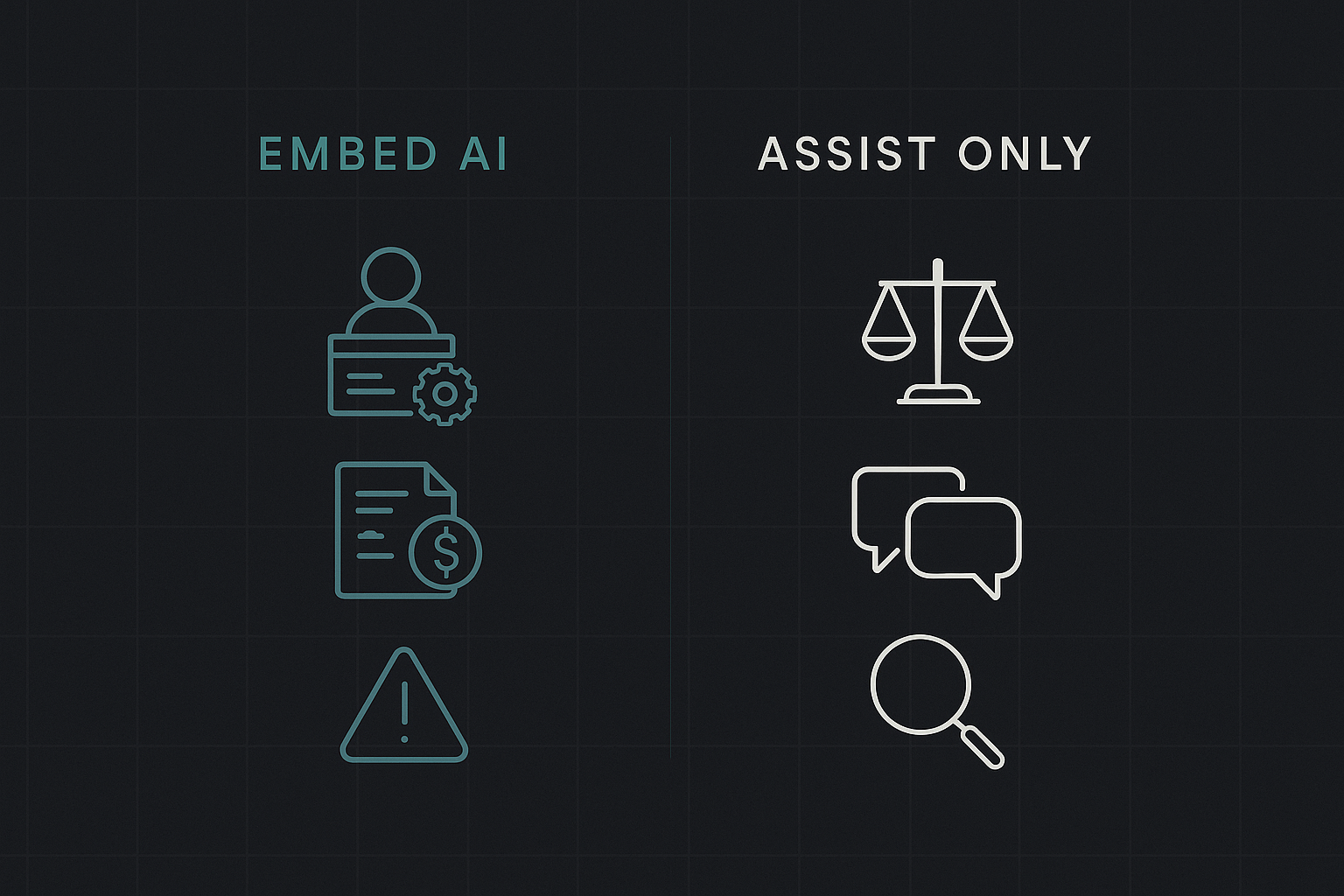
Where AI belongs inside the workflow (concrete examples)
- Data extraction and routing: scanning invoices, routing support tickets to the correct queue, extracting structured fields from forms. These are routine, repetitive, and easily validated.
- Predictable decision support: recommending next steps when business rules already exist (e.g., flagging renewals that match clear criteria).
- Enrichment and fill-in: auto-populating CRM fields from public sources or receipts where verification is straightforward.
- Monitoring and alerting: detecting anomalies in operations and surfacing them to humans for follow-up.
Why these work: they’re repetitive, the expected outputs are narrow, and errors can be caught and corrected without major harm.
Where AI should stay outside the core workflow (or be assistive only)
- High-stakes approvals: contract negotiation points, final credit decisions, or legal interpretations where liability and nuance matter.
- Ambiguous inputs or exploratory tasks: early-stage research, product strategy, or brainstorming where novelty is valuable and correctness is undefined.
- Sensitive communication: customer-facing messages about disputes, layoffs, or medical advice that require empathy and accountability.
- Compliance-critical processing: tasks where regulators require specific human sign-off or detailed provenance.
In these areas, AI can help draft, summarize, or highlight issues — but a human should make the final call.
Integration patterns: how to embed AI safely
Choose a pattern that matches risk and reversibility.
Inline automation (full embed): AI performs the action automatically. Use only when errors are reversible and low-cost. Add versioning and instant rollback.
Suggest-and-approve (human-in-the-loop): AI proposes an action; a human approves before execution. Good middle ground for moderate risk.
Assistive UI: AI provides context, summaries, or alternatives but does not generate final outputs. Best for high-ambiguity tasks.
Monitoring/alerting: AI runs in the background, raising flags or surfacing anomalies without changing state.
Design detail checklist for each pattern:
- Confidence thresholds tied to action: only allow autonomous actions above a tight confidence threshold.
- Audit logs: store inputs, outputs, model version, and decision metadata for traceability.
- Visibility: show why the AI made a suggestion (evidence snippets, matching rules).
- Recovery: make reversibility easy (undo, correct, or quarantine items).
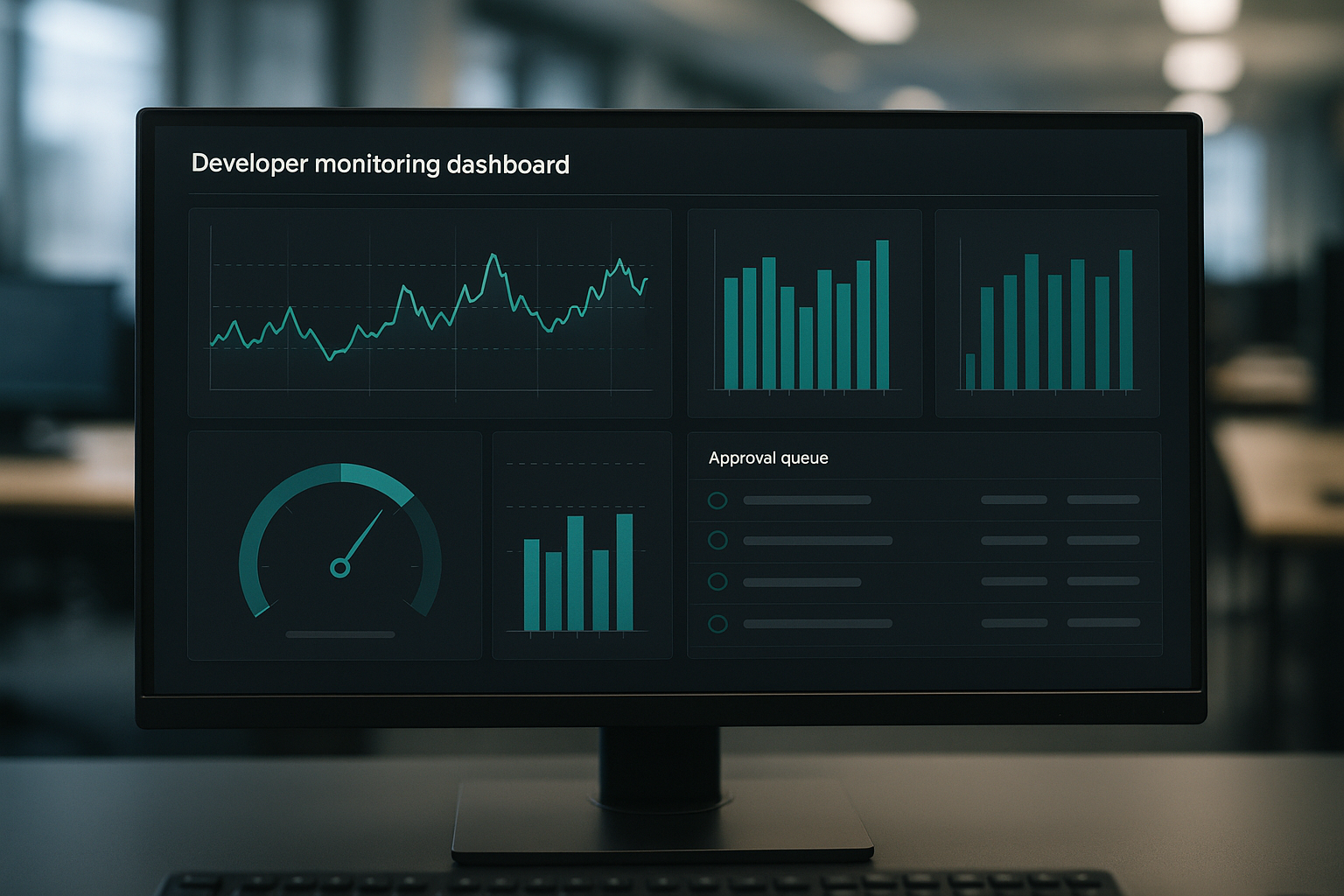
- Metrics: measure false positives/negatives and human override rates.
Common pitfalls and how to avoid them
- Over-trusting low-confidence outputs: treat AI output as a probability, not a fact. Log confidence and require checks when confidence is low.
- Adding AI without fixing the process: automation magnifies process flaws. Standardize inputs first.
- Hiding AI decisions: opaque systems create distrust. Surface the reasoning and let users correct it.
- Letting automation accumulate tech debt: version models and review their fit periodically. Models drift as processes change.
Short implementation checklist (for product and operations teams)
- Map the workflow and identify points of predictability and human judgment.
- Run the five tests (predictability, error cost, explanation, empathy, observability) on each point.
- Choose an integration pattern (inline, suggest-and-approve, assistive, monitoring).
- Implement guardrails: confidence thresholds, audit logs, and easy rollback.
- Pilot with a narrow scope, measure override and error rates, iterate.
- Scale gradually; re-evaluate model performance and business impact quarterly.
Example scenarios (quick, practical notes)
- CRM lead scoring: belongs inside workflow as a field that triggers follow-up, but require human review before high-value outreach.
- Contract redlining: assist only — AI extracts clauses and suggests comments, but a lawyer signs off.
- Invoice capture: embed extraction with an approval queue for exceptions.
- Customer sentiment triage: embed for routing to specialist teams, but keep message generation assistive.
Final notes
Embedding AI into workflows should be a risk-managed choice, not an assumption. When done well, it reduces toil, speeds routine decisions, and frees people for higher-value work. When done poorly, it creates rework, hidden failures, and misplaced trust.
Practical takeaway: use the five decision tests, start small with clear guardrails, and prefer suggest-and-approve for anything that carries significant cost or ambiguity.
