
The Quiet History of Automation Before AI
Automation didn’t start with generative models. It started with simple, repeatable ways to move work from a human to a machine — and it did so in plain sight: macros in spreadsheets, shell scripts, scheduled tasks, forms tied to databases, and full workflow engines.
This post is practical: concrete examples, lessons that matter for business teams, and starter checks for your next automation project.
Why this history matters
- It explains why many teams already have automation they don’t recognize: brittle macros, SQL jobs, or email rules.
- It shows what works in the real world: repeatability, observability, and maintainability.
- It gives a baseline for evaluating new automation tools: do they solve what old tools couldn't, or just dress the same problems differently?
Concrete examples you probably already use
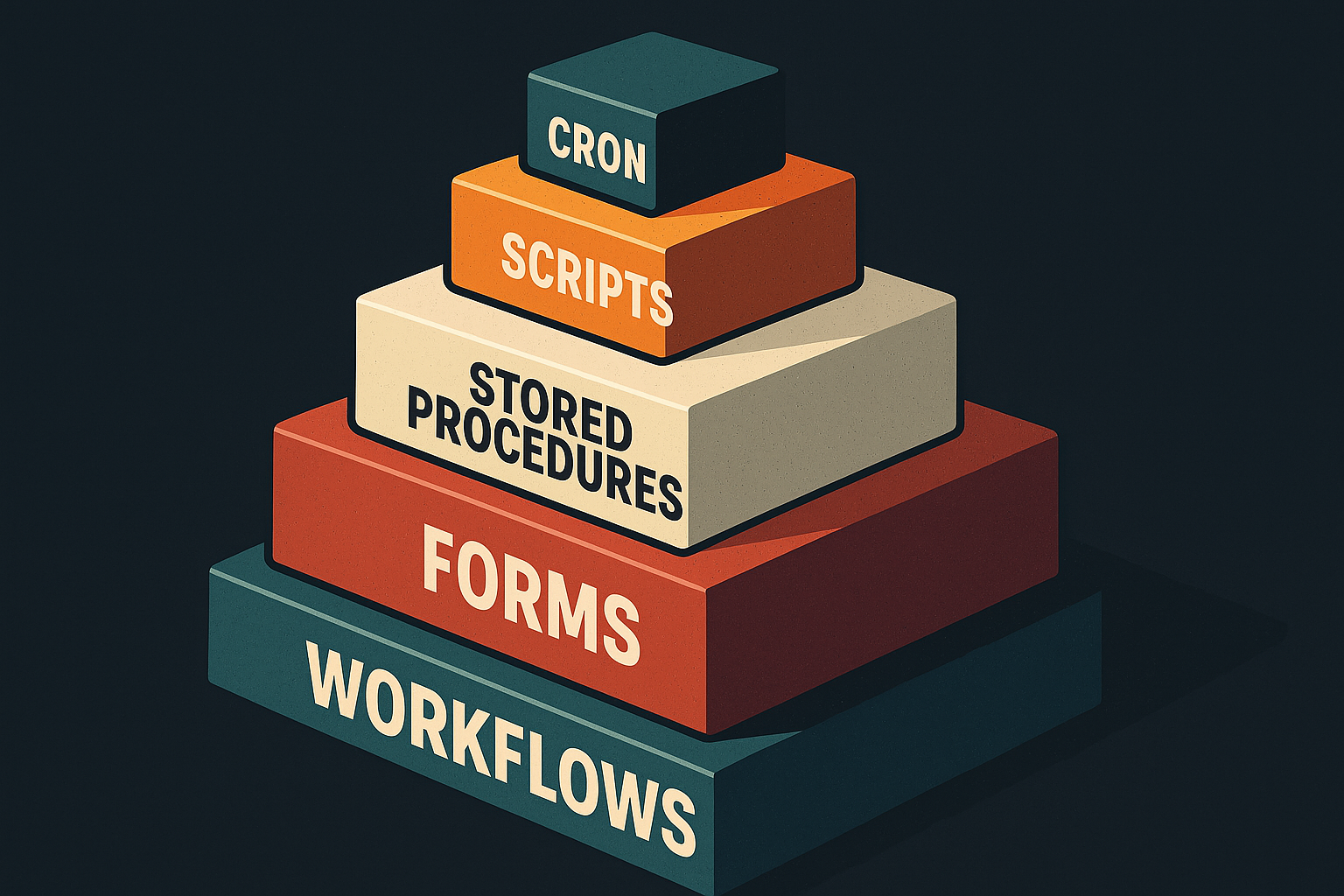
- Spreadsheets + macros: recorded macros and VBA in Excel automated reporting and data transforms for decades. They were often the fastest path from idea to automation.
- Shell scripts and cron: on servers, cron + shell scripts handled backups, batch jobs, and routine data processing on a schedule.
- Stored procedures and triggers: databases executed logic close to the data (e.g., nightly aggregation jobs or integrity checks).
- Email rules and form workflows: simple business processes (expense approvals, order entries) used forms, email routing, and status fields.
- ETL tools and integration platforms: long before SaaS connectors, ETL systems (and later iPaaS) moved data between systems on schedules.
- CI/CD and build automation: Makefiles, Jenkins pipelines, and similar systems automated testing and deployment.
These building blocks are not exotic. They are the quiet plumbing of many organizations.

What worked — and what failed — in old-school automation
What worked:
- Start small and narrow: automating one repeatable task increased throughput quickly.
- Visibility: scheduled jobs with logs and simple alerts made failures diagnosable.
- Incremental improvement: teams iterated on scripts and macros instead of trying to build perfect systems up front.
What failed:
- Hidden complexity: lots of ad-hoc scripts can create a maintenance burden when people leave.
- Poor ownership: automated steps with unclear owners become security and compliance risks.
- Tight coupling to fragile formats: brittle parsers for fixed CSV layouts break when inputs change.
Lesson: automation is useful only if it’s observable and maintainable.
Modern overlays and why they aren’t new in spirit
Newer tools (RPA platforms, workflow SaaS, and yes, some AI tools) solve practical pain points: better connectors, graphical editors, or language understanding. But the core trade-offs are very old:
- Does the automation need human judgment or strict rules?
- How will you detect and recover from errors?
- Who owns the automation and its outputs?
If those questions weren’t asked for a VB macro in 2005, they’ll bite you for a workflow in 2026.
Practical guidelines: when to reuse old-school automation
Use simple scripts or macros when:
- The task is well-defined and repeatable.
- Inputs and outputs are stable (or you can validate them before acting).
- A small team can own and iterate on the automation.
Move to a more structured platform when:
- Multiple systems need reliable integrations and error handling.
- Non-technical stakeholders must inspect, approve, or retry steps.
- Compliance, auditing, or security requirements demand logs and access controls.
Design and maintenance checklist
Before you automate anything, run this checklist:
- Define success: what does “done” look like and how do you measure it?
- Ownership: assign a clear owner and a fallback contact.
- Observable behavior: logs, alerts, and dashboards for failures and key metrics.
- Versioning: store scripts or workflows in a repository or archived location.
- Tests and rollbacks: include simple tests and a rollback plan for bad runs.
- Security: limit credentials, rotate secrets, and apply least privilege.
Small, practical example
A common pattern: nightly report generation.
- Old-school: a scheduled script runs a SQL stored procedure, transforms results with a spreadsheet macro, and emails a PDF to a distribution list.
- Practical improvements without reinventing things:
- Add logging and an alert if the SQL returns no rows.
- Replace fragile CSV parsing with a well-defined schema check.
- Move the script into a versioned repository and tag releases.
This sequence preserves what worked (fast automation) while removing common points of failure.
How to choose your next automation step
- Start with a single pain point that costs time or causes errors.
- Automate the smallest repeatable slice and make failures visible.
- If maintenance becomes a burden, invest in tooling: orchestration, monitoring, and access control.
- Keep humans in the loop where judgment or accountability matters.
Tech-history takeaways for teams
- Automation evolves: from recorded macros to server jobs to modern orchestrations. Each stage solves new problems but inherits old trade-offs.
- The best automation is not the shiniest: it’s the one that’s monitored, owned, and simple enough to change.
- Treat automation as code: version it, test it, and assign an owner.
Practical takeaway: Before chasing the newest platform, catalog the automations you already have, add basic logging and ownership, and automate the smallest repeatable unit with clear rollback and monitoring.
