Partial Autonomy Beats Full Autonomy for Most Businesses
Automation is tempting: reduce headcount, increase speed, and let systems act without delay. But businesses rarely operate in a world of simple, repeatable rules. Exceptions, shifting contracts, customer context, compliance, and risk mean full autonomy is the hard road.
Partial autonomy — controlled agentic workflows with clear permissions and review points — delivers the most practical value. It balances speed and scale with human judgment, auditability, and trust. Below are patterns, examples, and an implementation checklist you can use today.
Why "full autonomy" usually fails
- Edge cases are endemic. Orders, quotes, and intake forms always have exceptions that require human context.
- Rules change faster than models. Regulatory, pricing, and contractual tweaks break fully automated systems.
- Trust is built, not assumed. Stakeholders need verifiable trails and the ability to intervene.
- Business value often comes from handling exceptions well, not skipping them.
The right question isn't "Can we automate this entirely?" but "Which steps should an automated agent take, and where must humans remain in the loop?"
Core patterns for partial-autonomy workflows
These patterns work across quoting, order entry, intake, dashboards, and internal tools.
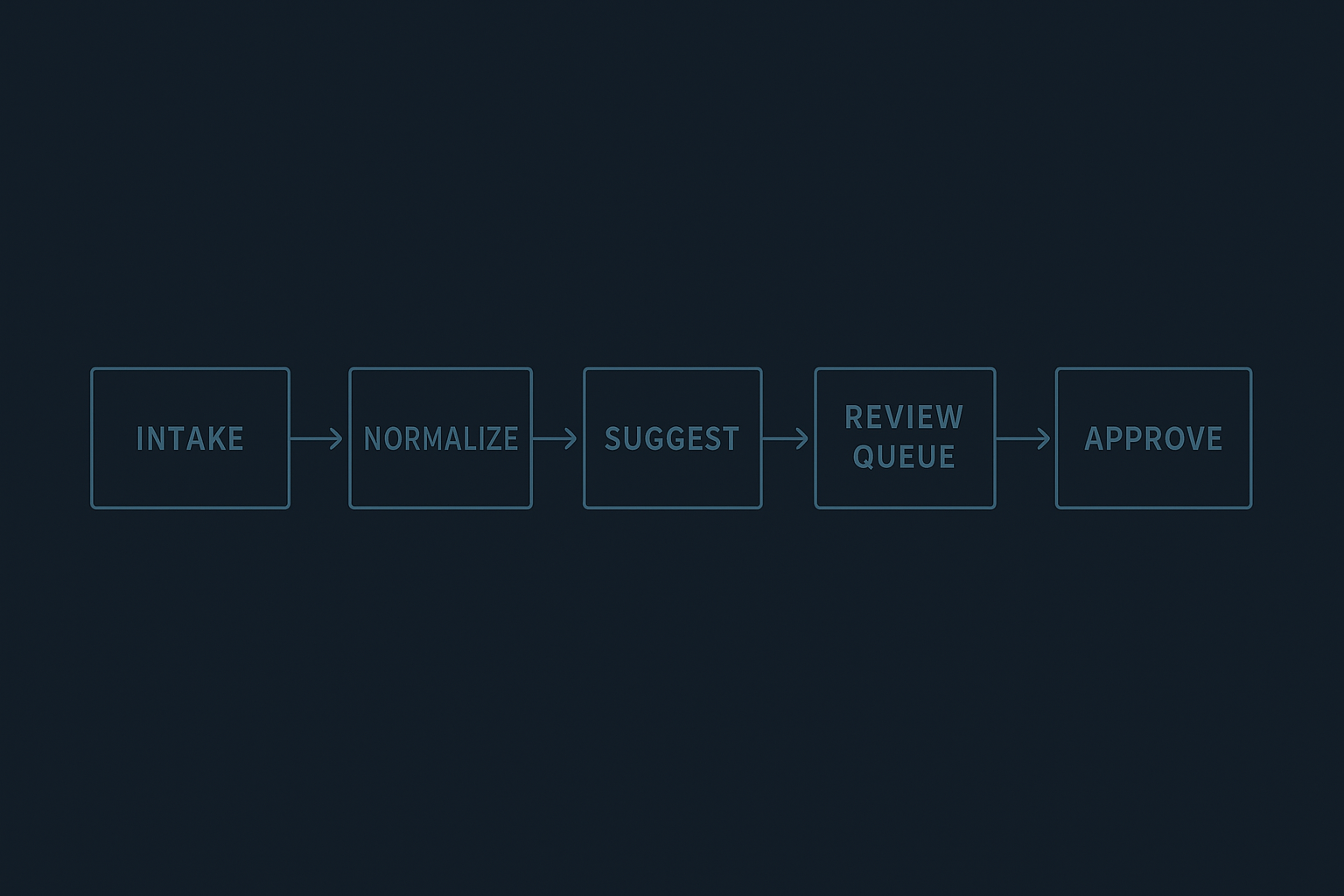
Suggest-and-approve
- System drafts a quote, fields, or order and assigns a confidence score. A human reviews, edits if needed, and approves.
- Good for pricing, contract language, and customer communications.
Triage + escalation
- Agents pre-classify requests (low/medium/high risk). Low-risk items flow straight through with light review; medium/high get queued for human action.
- Useful for support intake, fraud checks, and claims.
Sandbox + replay
- Run agentic actions in a simulated environment first. Present the outcome to reviewers with an option to replay steps before committing.
- Helpful for automation that touches financials or inventory.
Permissioned automation
- Assign granular permissions: who can approve, who can edit agent suggestions, and who can run agents unsupervised.
- Tie permissions to roles, experience, and training completions.
Audit-first design
- Capture inputs, model version, prompt templates, and the agent’s actions in the audit trail. Make it searchable.
- Ensure the audit record is append-only and tied to the item it changed.
Concrete examples that map to common business work
Quoting
- Agent drafts line-item quotes from a product catalog and recent discounts.
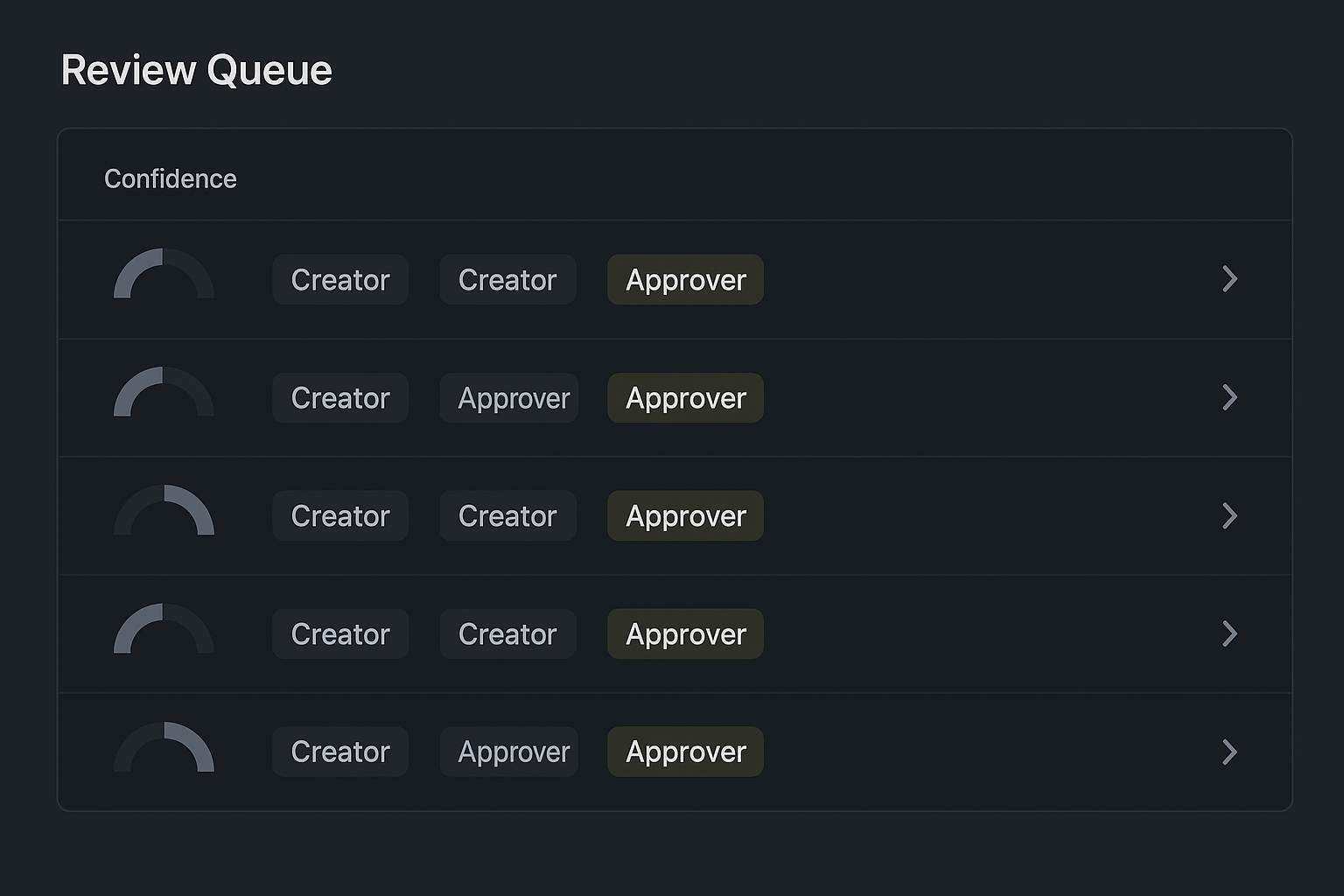
- Confidence < 80% → send to sales rep’s review queue with highlighted mismatches.
- Approver can accept, edit, or reject; changes and approval are logged.
Order entry
- Agent validates addresses, checks stock, and populates shipment options.
- If an order triggers an exception (backorder, high-value international ship), it moves to a gated queue requiring manager sign-off.
Intake and triage
- Intake form answers are summarized and classified by an agent into categories and priority.
- Low-priority cases get an automated response and SLA. High-priority cases go to a human with context and history.
Dashboards and handoffs
- Dashboards show confidence metrics, queue depth, average review time, and rework rate.
- Handoffs include a brief rationale: why the agent acted, what it changed, and what the reviewer should check.
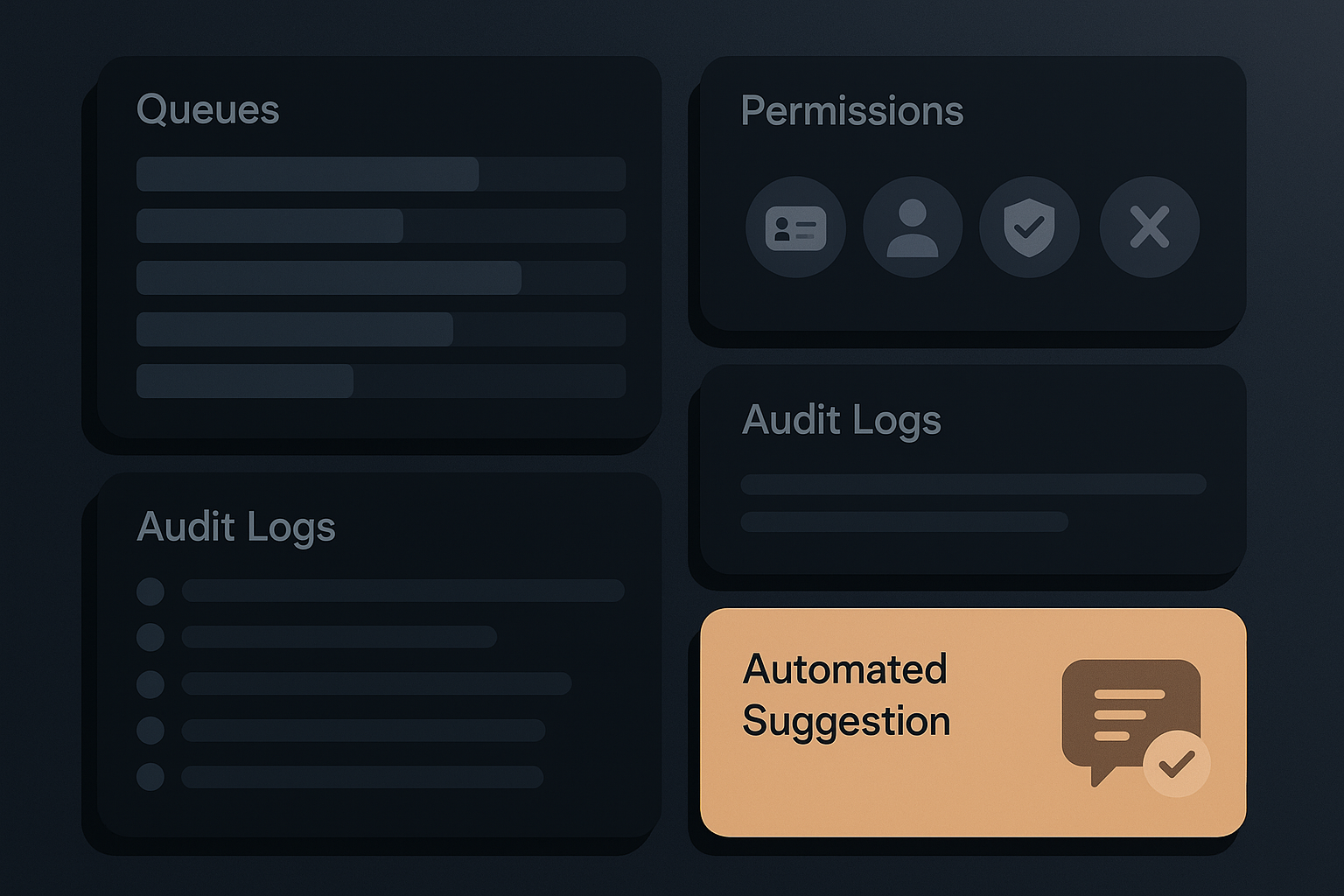
Review queues and permissions
- Create queues with clear ownership and SLAs.
- Permission levels: Draft (system/agent), Edit (operator), Approve (manager). Keep the approval step explicit.
Audit trails
- Keep records of the original input, the agent suggestion, user edits, final approval, and timestamps.
- Surface the audit trail in the UI beside the item so reviewers can read the chain quickly.
Designing trust: what to capture and show
When you add automated steps, design for human confidence. Show:
- Why the agent chose an action (short rationale or bullet points).
- A confidence score and what it means for your business.
- Inputs, model/tool version, and exact transformation that occurred.
- Quick undo and a clear escalation path.
This reduces "mysterious automation" and lets people rely on suggestions instead of fearing them.
Implementation checklist (practical steps)
- Start with the repeatable core. Automate monotone, high-volume sub-tasks first (e.g., address validation, product lookups).
- Add a suggestion layer, not a replacement layer. Let the system propose and let people decide.
- Implement role-based permissions early: who can act, who can approve, who can override.
- Build review queues with SLAs and simple batching for reviewers.
- Log everything: inputs, agent actions, user edits, model versions. Make logs searchable.
- Create confidence thresholds that route items to different flows (auto-commit vs manual review).
- Canary and measure: start with a small percentage of live traffic, watch rework rates and time-to-approve.
- Offer immediate rollback for recent items and a process for correcting systemic errors.
Monitoring and metrics to watch
- Rework rate: how often humans edit automated outputs.
- Time to resolution: does automation reduce end-to-end time?
- False-positive/negative rates for triage rules.
- Override frequency: high override rates indicate a mismatch between the agent and business rules.
- SLA compliance for review queues.
Track these by queue and by model/tool iteration so you can make targeted fixes.
Common failure modes and defenses
- Drift: regular model retraining and versioned prompts; fail gracefully to a manual flow.
- Rule conflict: keep a single source of truth for pricing/discount rules and surface mismatches.
- Permission gaps: audit permissions periodically and require attestation for critical approvals.
- Over-automation: measure human satisfaction; if operators are constantly fixing outputs, scale back automation and iterate.
When to push toward more autonomy
Move beyond partial autonomy when:
- The process has extremely low variance and high-volume repetition.
- The business can accept small error rates and has automated corrective flows.
- Monitoring shows low overrides, low rework, and stable confidence scores.
Until then, partial autonomy gets you the benefits (speed, consistency) without the costs (risk, mistrust).
Final thoughts
Partial autonomy treats agents as teammates, not replacements. It gives businesses a practical path to speed and scale while preserving human judgment where it matters: exceptions, compliance, and relationship decisions. Build systems that make the agent’s work transparent, put reviewers in control, and measure what matters.
Takeaway: Start by automating suggestions, add permissions and review checkpoints, log everything, and only increase autonomy as confidence and metrics justify it.
