Why "safe" matters in business software
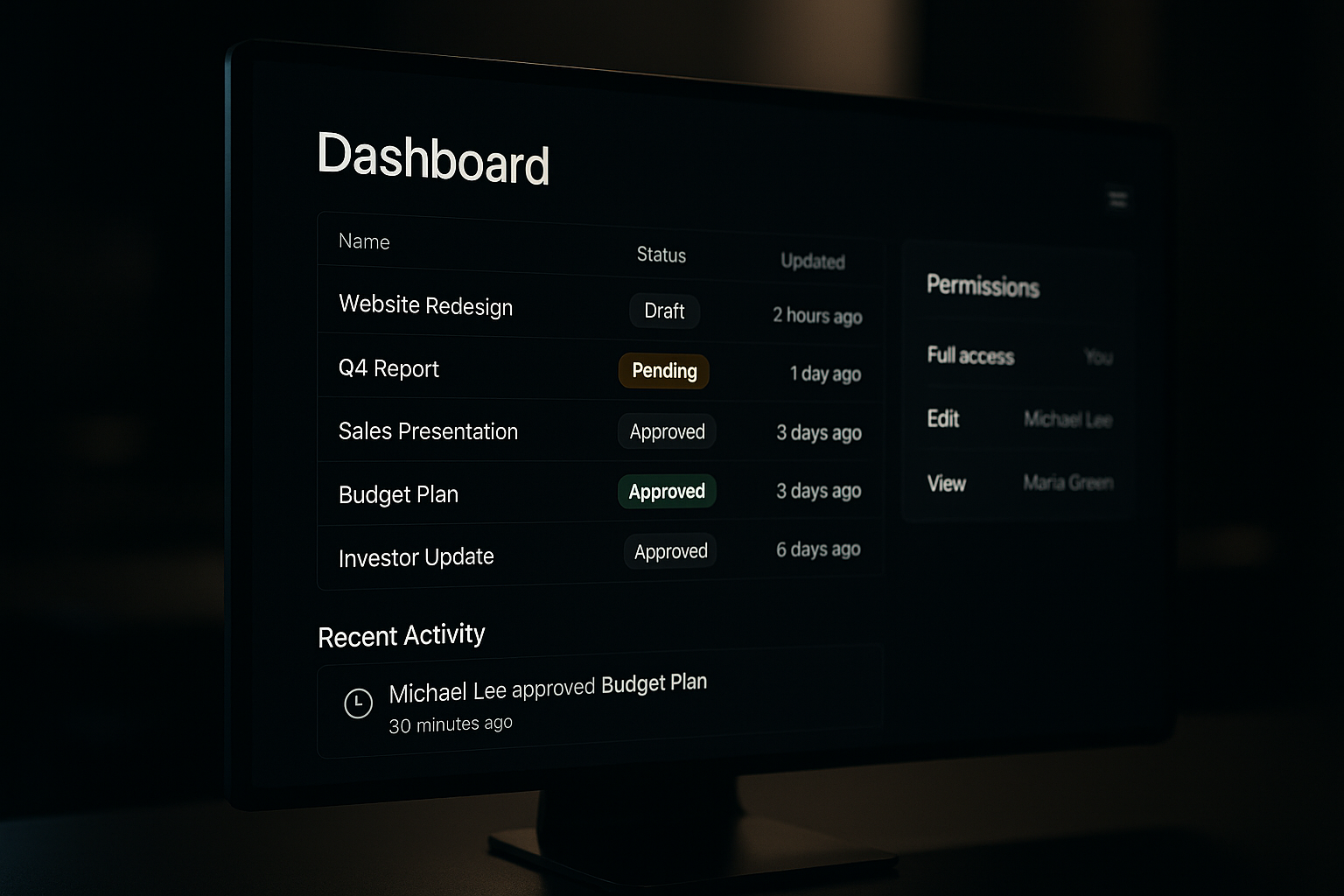
Safety here means trust: users need to feel confident making decisions and moving work forward without fear of irreversible mistakes, mysterious delays, or hidden rules. When software feels safe, teams adopt it faster, handoffs are cleaner, and review cycles shrink.
Safety comes from five concrete properties you can design for: clarity, reversibility, permissions, status, and good error states. Below are practical patterns you can apply to quoting, order entry, intake forms, dashboards, review queues, and agent-assisted workflows.
1) Clarity: make intent and outcome visible
Unclear buttons and obscure consequences are the fastest way to freeze users.
Practical patterns
- Action-first labels: use verbs that describe results ("Save draft", "Approve quote", "Send to client") rather than ambiguous nouns.
- Inline affordances: show the most likely next step near the item (e.g., a prominent "Edit price" on a quote line) so users don’t hunt.
- Surface dependencies: if action A changes B, show that relationship ("Approving this quote will close related estimate #23").
- Short explanatory microcopy: one line under a critical control that answers "what will happen".
Why it helps: Users can predict outcomes and decide faster. Fewer accidental clicks, fewer support tickets.
2) Reversibility: build "undo" into workflows
People accept risk if they can recover quickly. Reversibility is not an optional nicety; it's a trust builder.
Practical patterns
- Soft delete + recover: move items to a recoverable state for a reasonable window (30–90 days) before hard delete.
- Drafts and checkpoints: autosave drafts and let people restore prior versions of quotes, orders, or intake forms.
- Explicit undo: offer a brief undo affordance after destructive actions ("Quote deleted — Undo") and a clear path to reverse common mistakes.
- Approve-with-revert: allow managers to "revoke" approvals within a limited time or escalate reversals through a review queue.
Why it helps: Users can act without paralysis; teams can iterate faster because mistakes are low-cost.
3) Permissions: match power to role, and make rules discoverable
Permissions are less about locking things down and more about matching visibility and authority to responsibility.
Practical patterns
- Role-based defaults with overrides: give sensible defaults for common roles, and let admins make targeted exceptions.
- Scoped actions: separate who can edit vs who can approve vs who can publish. Make the difference visible on the record.
- Review queues and handoffs: route items to people who can act, and surface the queue position and SLA for each item.
- Explain permissions inline: if a button is disabled, explain which permission is missing and who to contact.
Why it helps: Users understand whether something is a policy limitation or a UI problem. That clarity reduces wasted support queries and manual workarounds.
4) Status: show progress, ownership, and next steps
Status is the simplest, most powerful form of communication in business workflows.
Practical patterns
- Single source of truth: show one canonical status on the main record (not different statuses in different screens).
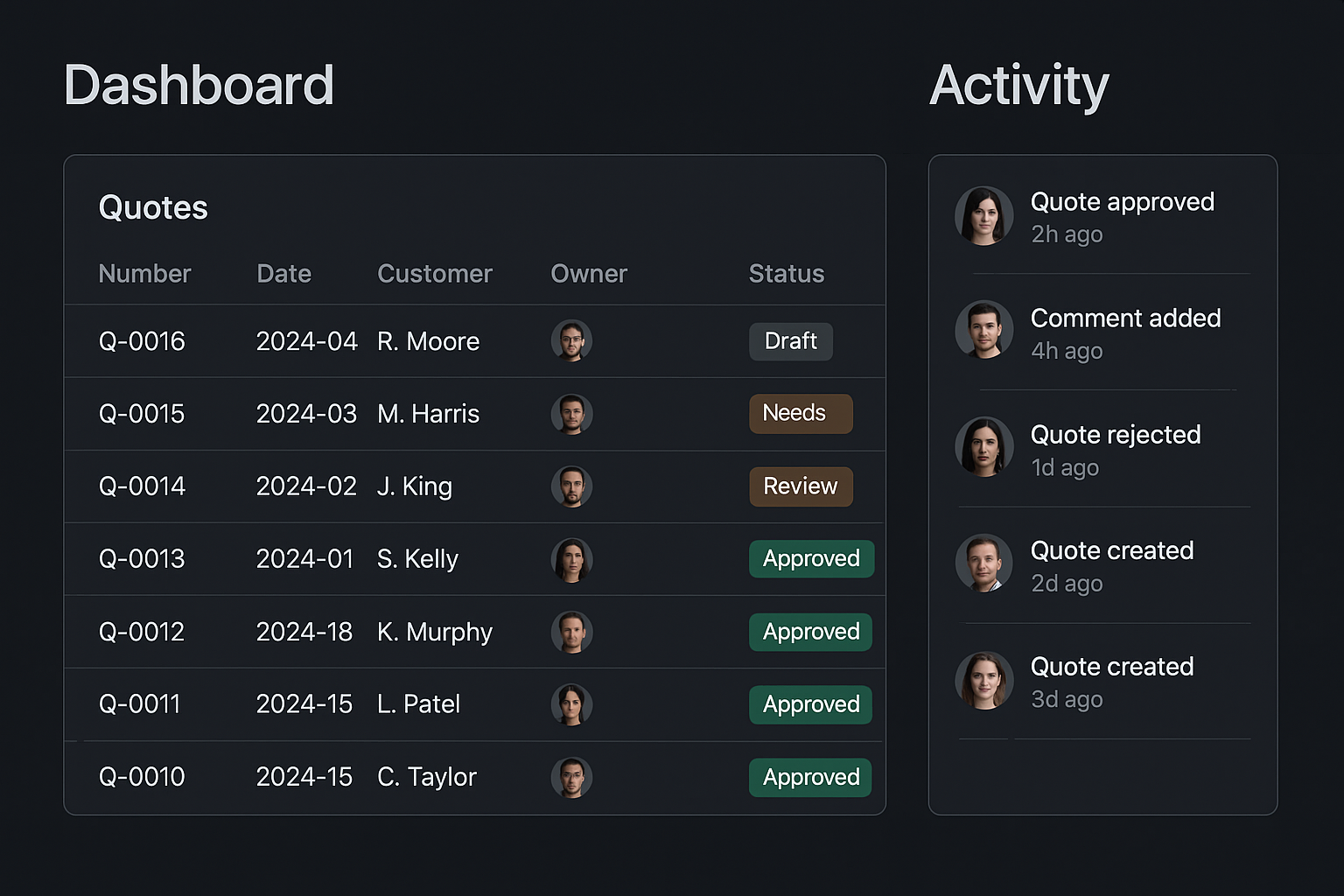
- Rich status chips: combine a short label, color, and icon (Draft, Pending Review, On Hold, Fulfilled) and make them filterable on lists.
- Timeline and activity: show who did what and when — timestamps, comments, and links to related records.
- Next action hints: give the user a clear next step ("Assign to reviewer", "Upload missing docs").
Why it helps: When people can see where work is and what’s blocking it, escalations are targeted and predictable.
5) Good error states: explain, suggest, and reduce blame
Errors are inevitable. The difference is whether they feel like opaque failures or helpful signals.
Practical patterns
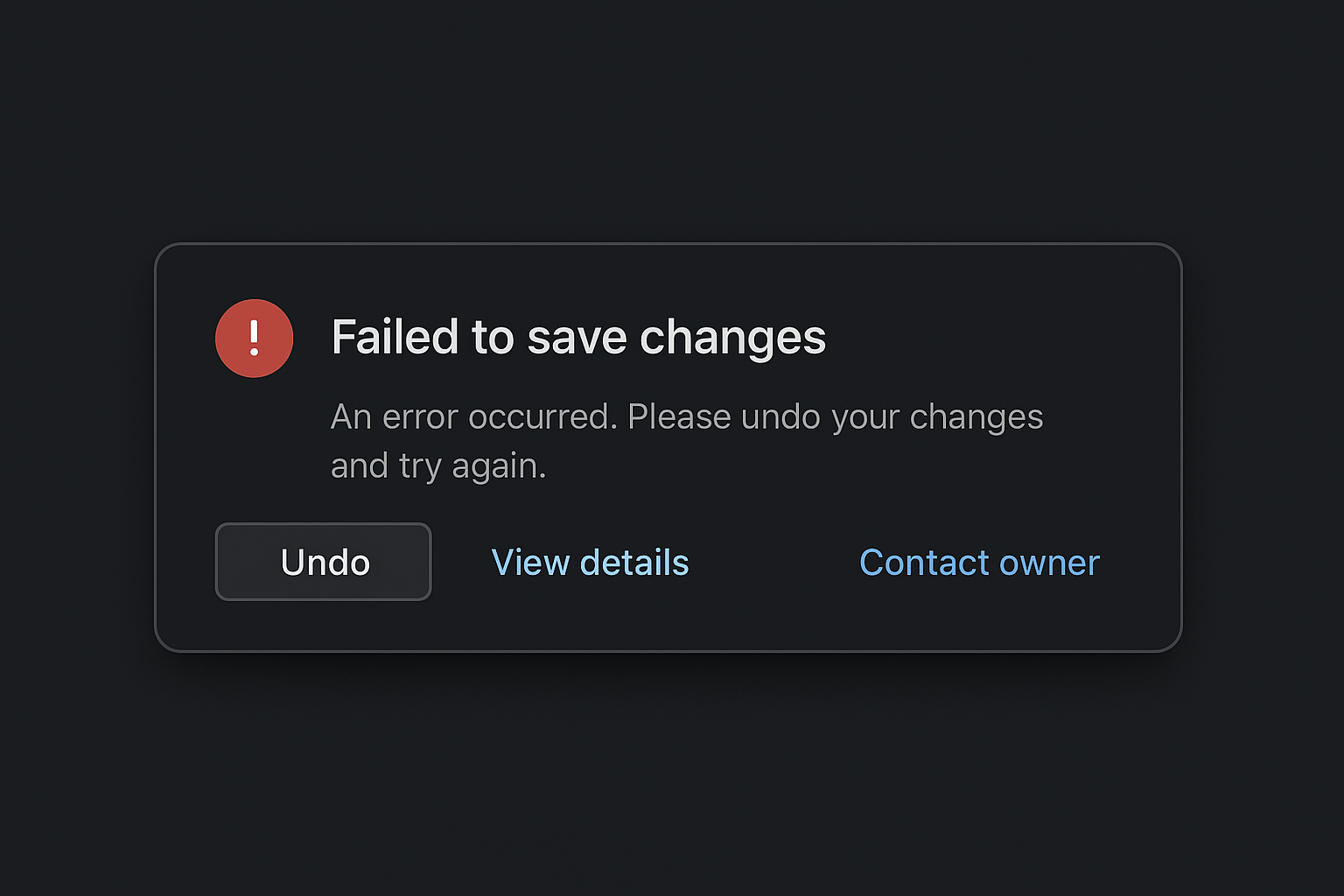
- Actionable messages: explain the problem and the next step (e.g., "Payment failed — check card or retry in 5 minutes").
- Distinguish errors from info: validation warnings vs blocking errors should look and read different.
- Provide recovery paths: links to retry, undo, or contact support; where possible offer automated retries.
- Avoid blame language: focus on the system and next steps, not on the user.
Why it helps: Clear errors lower frustration and reduce time-to-resolution.
Examples: how these principles work together
Quoting and order entry
- Clarity: show which price list, discounts, and terms apply. Label actions: "Send for approval", "Convert to order".
- Reversibility: allow converting an order back to a quote in the same state, or soft-delete a line item with an undo.
- Permissions: sales reps can create quotes; managers approve price overrides. If a rep clicks approve and lacks permission, show who can approve and route a request.
- Status: display where the quote sits in the pipeline (Draft → Pending Approval → Sent → Accepted).
- Errors: if client email bounces, show failure reason and a retry link.
Intake and review queues
- Clarity: intake forms show required fields and impact of missing data.
- Reversibility: let reviewers return submissions to the submitter with comments instead of deleting them.
- Permissions: reviewers see sensitive fields masked until they are assigned appropriate access; audit logs record when masks were lifted.
- Status: queue position and SLA timers appear on each item.
- Errors: if the form submission hits a validation rule, highlight the field and explain why.
Agentic workflows with review
Treat agents (automations or AI helpers) like teammates with constrained permissions:
- Agents can propose changes but require human approval for critical actions (price changes, contract terms).
- All agent actions are labeled and reversible; human reviewers see agent reasoning and the raw inputs used to generate suggestions.
- Permissions control what agents can do autonomously vs what must enter a review queue.
These patterns keep automation useful without increasing risk.
Quick checklist to make software feel safe
- Are action labels explicit about outcomes? (Yes/No)
- Can users recover common mistakes within the UI? (Undo, restore, soft delete)
- Are permission rules discoverable and explained inline? (Who can do what?)
- Is status visible and consistent across screens? (One source of truth)
- Do errors tell users exactly what to do next? (Actionable guidance)
If you answered “no” to any, you’ve found where confidence will fail.
Implementation notes for teams
- Start with the most painful workflow (quotes, intake, or orders). Map moments of hesitation and test fixes with actual users.
- Ship small: add an undo or a draft mode first; measure reduction in support tickets or reversal requests.
- Treat permissions as data: keep an easily editable policy layer so rules can evolve without code churn.
- Log intent separately from effect: record the user’s intent (what they tried to do) and the system’s final state. That makes audits and reversals simpler.
Practical takeaway: begin by making actions predictable and reversible. Those two affordances buy you time to add robust permissions, clear status, and helpful errors without slowing the business.
