
Why AI Projects Should Start With a Workflow Map
AI is tempting: models can summarize, classify, and draft. But models are tools — not business processes. The practical way to turn AI into predictable value is to start with a workflow map. Map first, then add AI where it belongs.
This post explains why mapping matters, how to do it fast, where AI helps (and where it shouldn't), and a short checklist for pilots that avoid wasted effort and new risks.
Why map the workflow before you build
- Spot the real bottlenecks. A high-latency step, repeated handoffs, or frequent exceptions is a better AI target than a single manual click.
- Separate data problems from automation opportunities. AI fails when data is messy; a map exposes where data is created, transformed, and lost.
- Make permission and audit needs visible. Where are approvals needed? Who can reverse an action? These shape model access and guardrails.
- Reveal the decision points. If a step requires human judgement, that should determine whether AI suggests, drafts, or acts autonomously.
What to include in a workflow map
At minimum, capture:
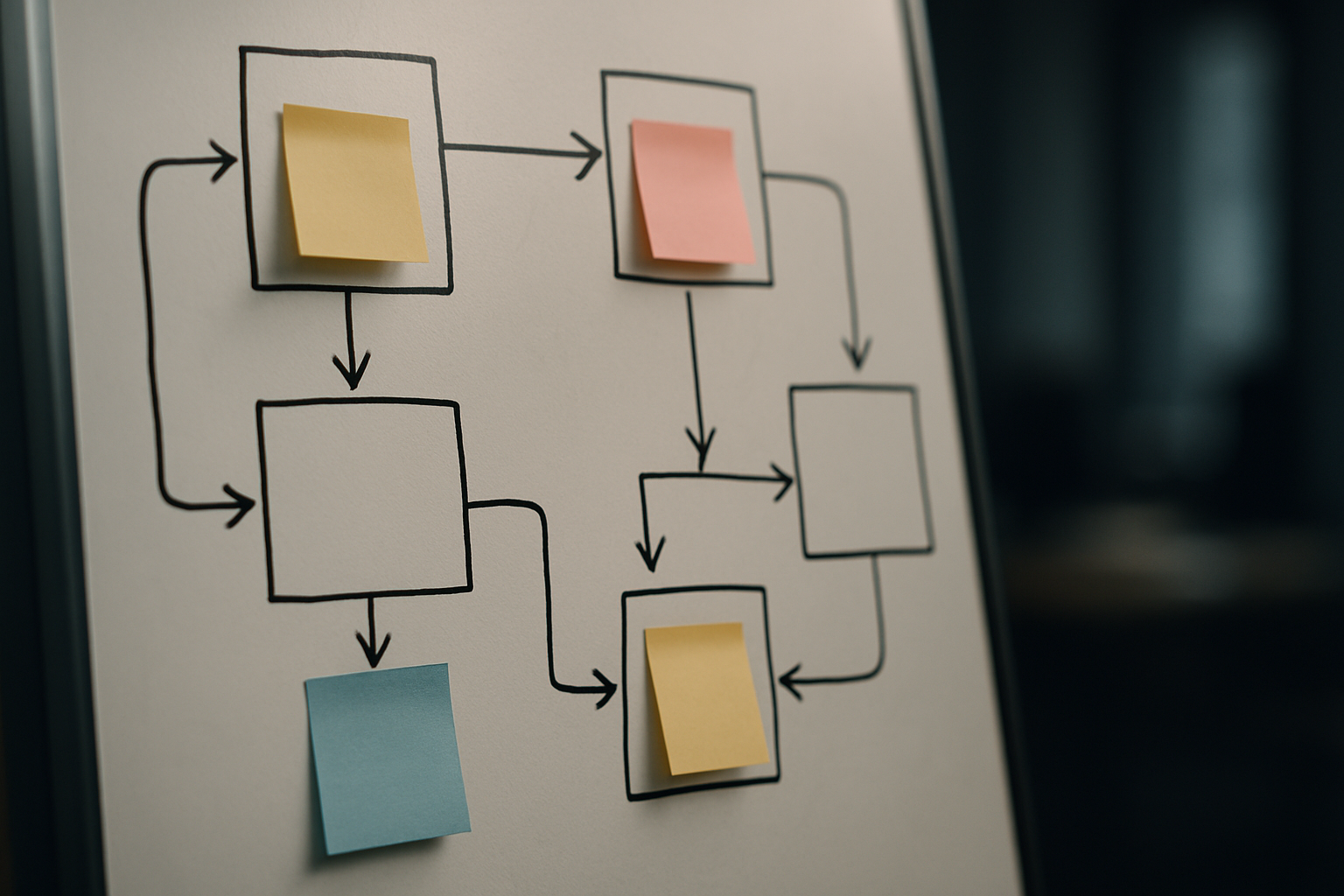
- Steps: every task from intake to completion
- Actors: people, systems, and potential agents
- Artifacts: documents, records, attachments
- Decision points: who decides and on what basis
- Exceptions: common error paths and rework loops
- Frequency & time: how often the step runs and typical latency
Tools: paper + pen, a whiteboard, or a simple flow in Miro/diagrams.net. Keep it readable—consensus beats perfection.
Examples tied to common business processes
Quoting
- Map: intake → pricing lookup → draft quote → internal review → send → revisions → order entry
- What maps reveal: repeated manual copy between CRM and quoting tool; a single person doing all approvals; rule-based price adjustments that are predictable
- Where AI helps: categorizing requests, pre-filling line items from historical quotes, producing a draft quote text for review
- Where not to use AI: final price overrides for regulated products, or auto-sending without human sign-off on high-value deals
Intake & assignment (service desk, field work)
- Map: request intake → triage → assignment → scheduling → completion → billing
- What maps reveal: triage is a frequent bottleneck; schedule clashes cause repeated rescheduling
- Where AI helps: triage classification, suggested assignments based on skills and location, draft messages to customers
- Guardrail: keep the final assignment in a human review queue for exceptions and first-time customers
Order entry
- Map: order capture → validation → inventory check → confirmation → fulfillment
- What maps reveal: data validation failures and sync lags between systems
- Where AI helps: validate natural-language order notes, highlight missing fields, extract structured items from attachments
- Where AI should not act: bypassing inventory checks or final fulfillment triggers without system confirmations
Patterns for using AI in a workflow map
- Suggest-only: AI drafts or recommends; a human approves before the system acts. Good for quoting, contract language, or sensitive customer replies.
- Review-and-apply: AI places items into a controlled review queue with metadata and confidence scores. Useful for order changes or refunds.
- Automated for low-risk paths: fully automated steps for high-volume, low-risk items with clear validation and monitoring (e.g., routing certain ticket types).
- Monitor-and-revert: automated actions logged with an easy rollback path and alerting when the model's confidence is low.
Where mapping exposes work you must fix first
- Single source of truth gaps: duplicated fields, multiple spreadsheets, or ad-hoc PDFs break downstream automation.
- Undefined owners: if nobody “owns” a step, AI suggestions will pile up unprocessed.
- Permission misalignment: who can approve, who can edit, and who can revoke need to be explicit.
- Missing audit/logging: automated actions must be traceable for compliance and troubleshooting.
Fix these before adding models. AI will amplify bad data and broken handoffs.
A simple five-step process to map and pilot
- Scope a single end-to-end flow. Pick a bounded use case (e.g., quote creation for mid-tier deals).
- Shadow and document. Watch work being done, note tools and common exceptions.
- Annotate the map with metrics. Volume, latency, error rate, and owner for each step.
- Decide AI role at each decision point: "none", "suggest", "draft", or "act". Add required guardrails (permissions, review queues, confidence thresholds).
- Pilot small, measure, iterate. Run AI suggestions in parallel or behind a review queue first. Track time saved, error rate, and exception frequency.
Metrics that matter
- Cycle time for the scoped flow (hours or days to minutes)
- Human touches per case
- Error rate or rework frequency
- Percentage of cases handled end-to-end without escalation
- Time spent in review queues
Don't optimize for model accuracy alone — optimize for fewer human touches and faster reliable outcomes.
Common implementation pitfalls
- Starting with a shiny model before you can measure the human process.
- Automating the wrong thing: high-risk, low-volume decisions are poor first targets.
- Ignoring permissions and rollback: a single wrong auto-action can erode trust quickly.
- No feedback loop: deploy without a way for humans to correct and for engineers to retrain.
Example: a safe agentic workflow for quotes
- Intake extracts request and creates a draft quote (AI)
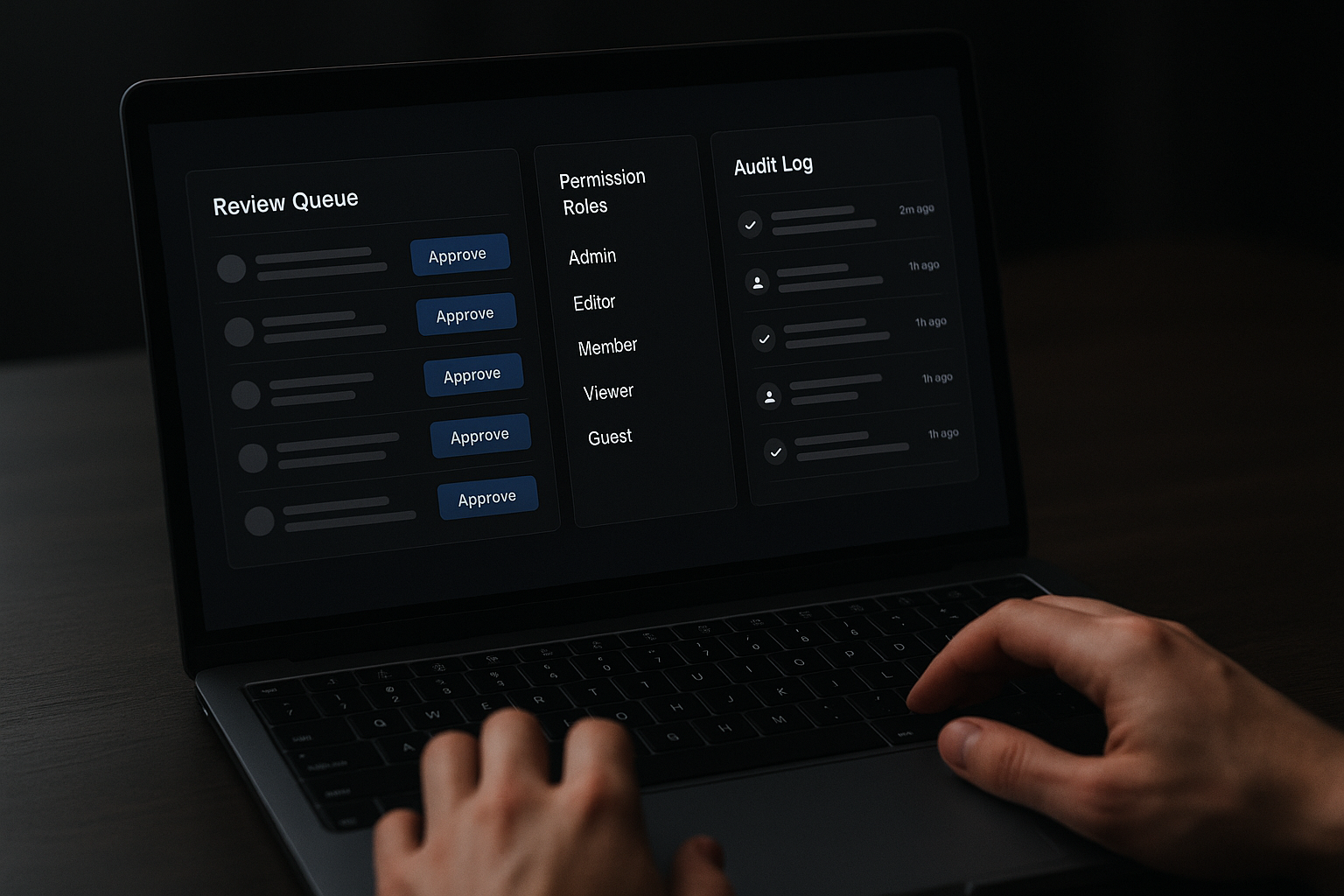
- Draft lands in a "Suggested Quotes" review queue with confidence and rationale (AI)
- Pricing analyst reviews, adjusts, and approves (human)
- Approved quotes are logged with metadata and sent (system)
- Audit trail records who approved, what changed, and why (system)
This pattern keeps AI in the value zone — doing repetitive drafting and surfacing, while humans retain control over price and terms.
Rollout checklist
- Mapped and documented flow
- Cleaned or identified authoritative data sources
- Defined owners and SLAs for queues
- Configured review queues, roles, and audit logging
- Monitoring and rollback processes in place
- Pilot with a rollback window and clear success criteria
Final thoughts
Starting AI work by drawing the map changes the conversation. You stop asking "Which model should we use?" and start asking "Which step would be safer, faster, and cheaper if it did less or did it differently?" That clarity leads to smaller, measurable pilots that actually improve daily work.
Takeaway: map the process first, fix the data and permissions second, and add AI only where the map shows clear, low-risk value.
