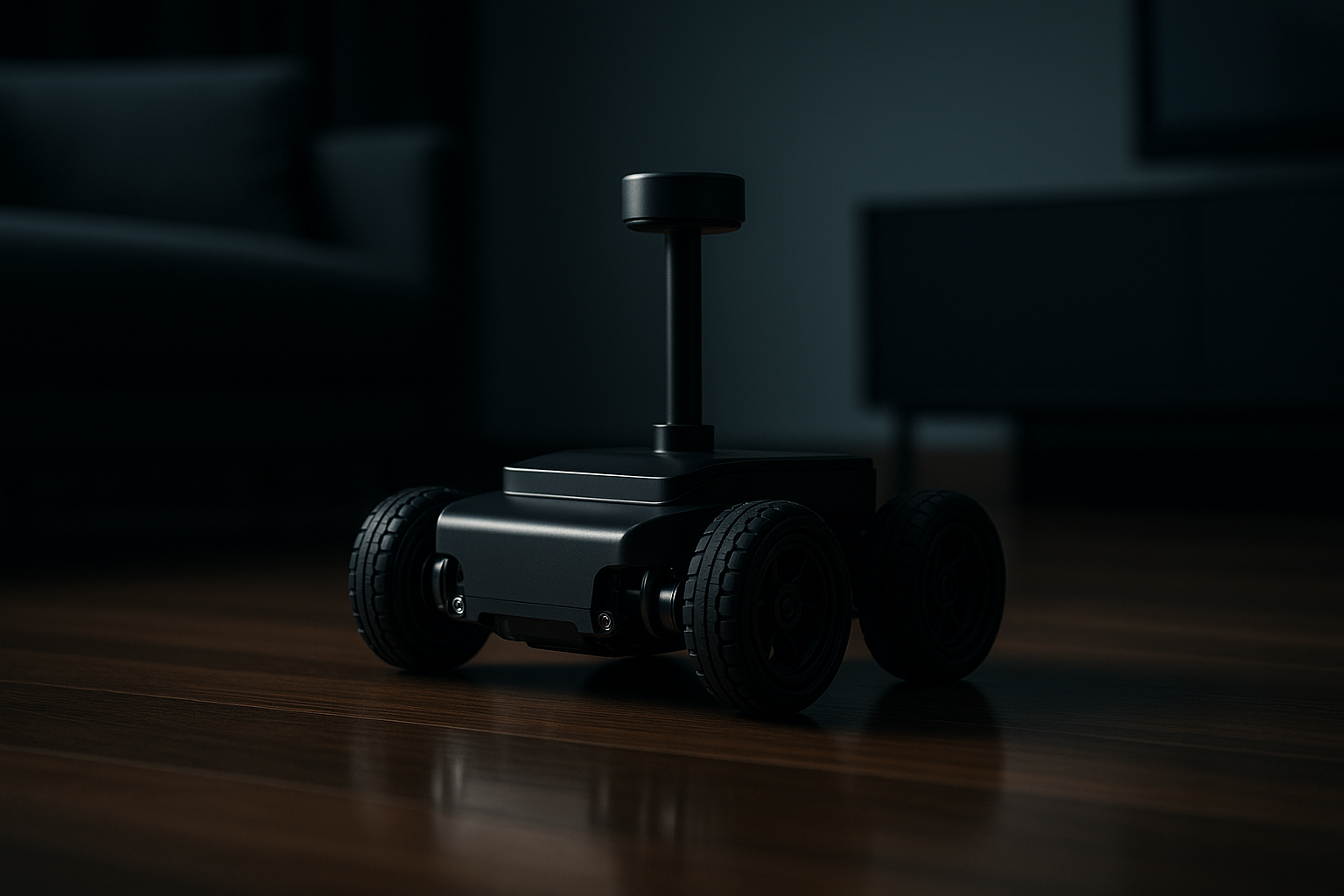
The Home Robotics Path From Remote Control to Autonomy
Robotics learning is a ladder. Each rung—remote control, sensors, rules, and AI perception—adds new capabilities and new design questions. This post lays out a pragmatic progression you can follow at home, with project ideas, hardware notes, and workflow tips that keep safety and repeatability front and center.
Why a staged approach?
Start simple so you can measure progress and isolate failures. A remote-controlled robot that moves reliably is easier to debug than a semi-autonomous robot that wanders unpredictably. Every stage below is a small system you can ship, test, and iterate on.
Stage 0 — Manual control: the baseline
Goal: get a chassis, motors, power, and a controller working together.
What to try
- Convert an RC car or build a small wheeled platform.
- Use a microcontroller or a single-board computer as your controller.
- Implement basic teleoperation: forward, back, left, right, stop.
Why it matters
Manual control establishes motor calibration, battery life, and mechanical reliability. It also surfaces the user interface problem—how will a person control the robot? A simple web or mobile interface is already a useful product.
Hardware notes
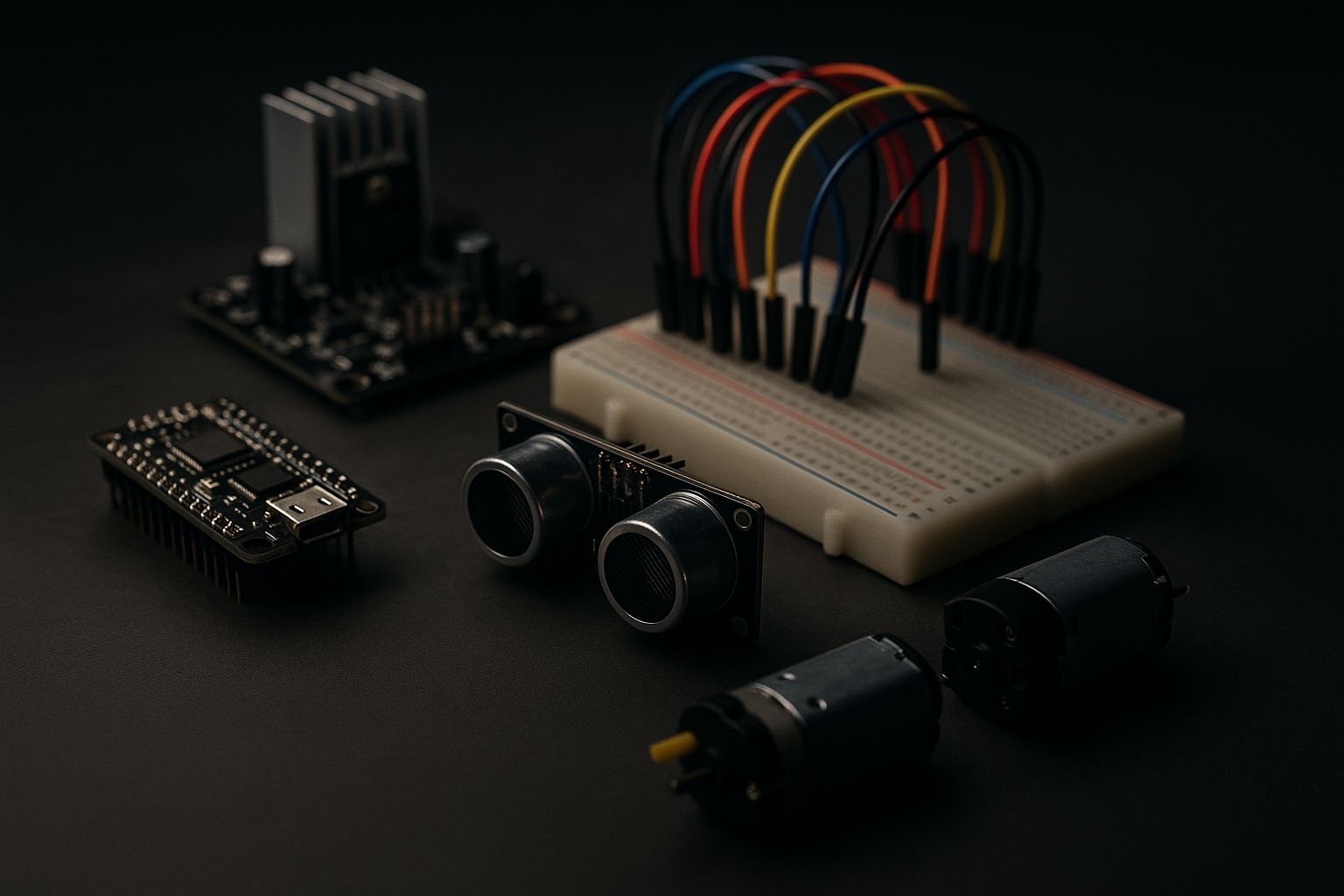
- Microcontrollers: Arduino family or RP2040 for simple control loops.
- Single-board computers: Raspberry Pi or similar when you need a camera or more CPU.
- Motor control: PWM motor drivers and encoders for closed-loop control.
Safety checklist
- Kill switch (hardware) and software watchdogs.
- Current limits on motor drivers.
- Secure battery mounting and fusing.
Stage 1 — Sensors and reactive behavior
Goal: make the robot respond to the world without human commands.
Common first sensors
- Bump switches and simple contact sensors.
- Ultrasonic or IR distance sensors for short-range detection.
- Wheel encoders for odometry.
- Simple IMU for orientation and stability.
Typical projects
- Obstacle stop-and-avoid: move forward, back up, turn on bump.
- Safety bubble: stop if distance sensor reports object within threshold.
- Slow approach: reduce speed as distance decreases.
Simple control loop (pseudocode)
loop:
  distance = read_distance()
  if distance < STOP_THRESHOLD:
    stop()
  else if distance < SLOW_THRESHOLD:
    set_speed(SLOW)
  else:
    set_speed(NORMAL)
Why start here
Reactive behaviors are deterministic and easy to log. They let you practice sensor fusion (e.g., combining bump + ultrasonic + encoders) and build a data-first mindset: collect logs, plot values, and iterate thresholds.
Stage 2 — Rule-based navigation and mapping
Goal: move from single-step reactions to planned behaviors and reliable paths.
Techniques to learn
- Line following with simple camera or IR arrays.
- Waypoint navigation using odometry and heading control.
- Simple mapping: occupancy grids from distance sensors.
Project ideas
- Line-following delivery bot around a living room track.
- Waypoint runner: define a set of coordinates and navigate between them with heading corrections.
- Room sweep: record a coverage path using wall-following heuristics.
Tools and trades
- Encoders and IMU make dead-reckoning usable for short runs. Expect drift; keep runs short or recalibrate with beacons.
- Simple maps are useful for user interfaces: show where the robot has been and planned routes.
Workflow tip
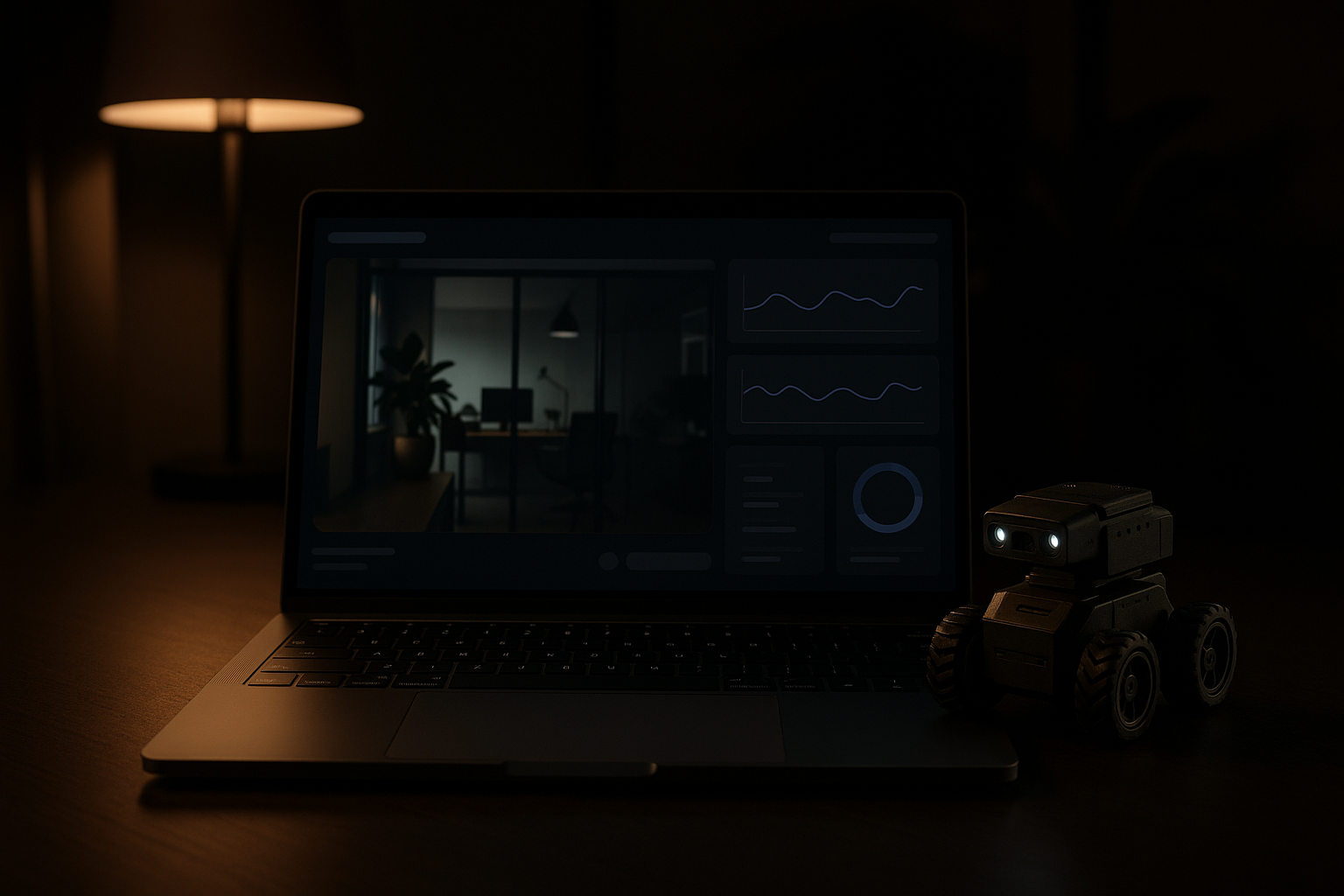
Build a dashboard early: live sensor streams, position estimate, and a log of recent actions. Dashboards make failure modes obvious and are cheap to iterate on.
Stage 3 — Perception and AI-assisted behavior
Goal: use cameras and ML models to understand objects, spaces, and people.
What changes
- Vision turns points into semantic information: chairs, power cords, pets.
- Lightweight models can run on single-board computers or offload to a local server.
- Perception unlocks higher-level tasks: fetch an object of a certain color, avoid animals, or dock to a charger.
Practical projects
- Object detector that flags a specific toy and triggers an approach behavior.
- Visual homing: identify a landmark on a bookshelf to correct odometry drift.
- Scene awareness: layer object detections into your map so navigation avoids fragile zones.
Implementation notes
- Start with pretrained, lightweight models and focus on data collection for your environment.
- Use a camera feed with bounding boxes and confidence scores in your dashboard so you can tune thresholds.
- Inference can be on-device (for speed and privacy) or on a nearby server (for heavier models).
Safety and trust
- Always design perception to fail safe: low confidence should reduce autonomy, not increase it.
- Add human-in-the-loop handoffs for risky actions (e.g., approaching a person, interacting with objects).
Stage 4 — Agentic workflows and human oversight
Goal: blend autonomy with permissions, review queues, and auditable actions.
Patterns to adopt
- Task queues: let the robot propose actions that require approval for higher-risk tasks.
- Review and rollback: store sensor logs and decisions so a human can inspect what happened.
- Permissions model: only allow certain behaviors when explicit conditions and permissions are met.
Example flow
- Robot detects a dropped item (object detection).
- Robot proposes retrieval and lists confidence, estimated time, and route.
- A human reviews on the dashboard and approves or rejects.
- Robot executes with live streaming and a visible kill switch.
Why this matters
Autonomy in a home setting must be accountable and reversible. Simple audit trails and approval gates are inexpensive ways to build trust.
Learning path and time estimates
- Week 1–2: Remote control and safe teleoperation interface.
- Month 1: Add bump and distance sensors; reactive behaviors should be reliable.
- Month 2–3: Implement encoders, basic waypoint navigation, and a minimal dashboard.
- Months 3–6: Add camera-based perception, lightweight models, and human-in-the-loop flows.
Adjust based on prior experience. Spend more time on testing and safety than on fancy features.
Recommended starter kit (components to mix and match)
- Chassis with DC gear motors and wheels.
- Microcontroller (Arduino/RP2040) for low-level control.
- Single-board computer (Raspberry Pi class) for vision and higher-level logic.
- Motor driver (compatible with your motors), wheel encoders, optional IMU.
- Ultrasonic / IR distance sensors, bump sensors.
- Camera module (USB or camera connector) and a basic microphone if you want audio cues.
- Power management: battery with protected pack and ability to monitor voltage.
Prototyping and iteration tips
- Simulate first when possible—basic behaviors are cheaper to test in simulation.
- Log everything. Telemetry is your most valuable debugging tool.
- Start with hard, explicit rules; only introduce ML when you need semantic understanding.
- Keep user interfaces simple: buttons for modes (manual, assist, autonomous) and clear status indicators.
Final thoughts
Moving a home robot from manual control to autonomy is less about a single breakthrough and more about layering predictable systems: reliable motors, trustworthy sensors, deterministic rules, and finally perception with human oversight. Each layer should be testable, observable, and reversible.
Practical takeaway: pick one capability (e.g., obstacle avoidance or waypoint navigation), make it robust with logs and a dashboard, then use that stable foundation to add the next capability. Small, testable increments build both capability and confidence.
