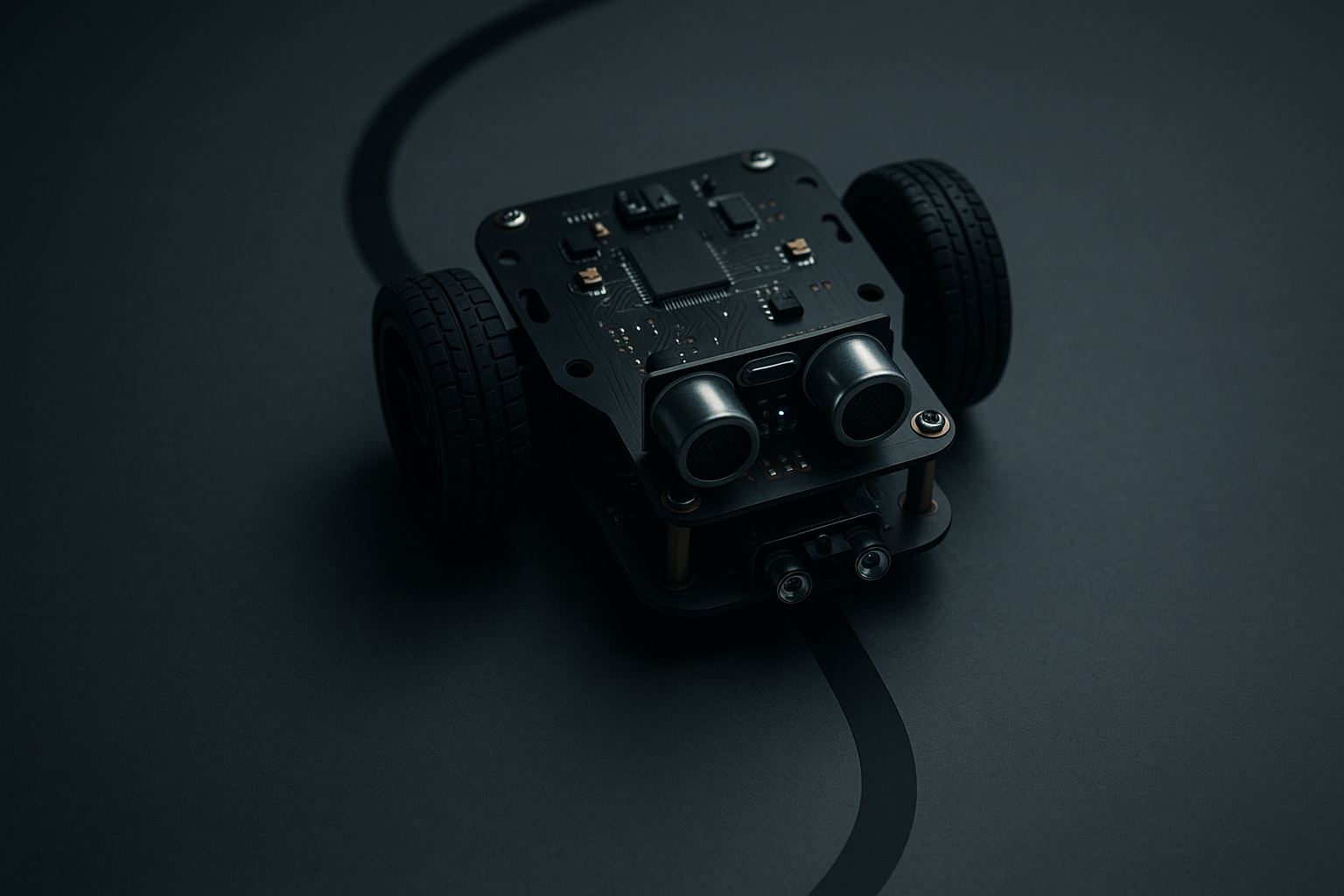
How to Teach a Small Robot to Follow a Line
Line-following is one of the most approachable robotics projects: it combines sensing, basic control, and iterative tuning. This guide explains the core concepts—sensors, calibration, motor control—and practical steps to build, tune, and troubleshoot a line-follower. It also outlines ways modern AI can help when things don’t behave.
What is line following, simply?
A line follower detects a visible path (usually a dark line on a light surface or vice versa) and steers to keep the robot centered over that path. At its heart:
- Sensors measure the surface under the robot.
- A control algorithm computes an error: how far is the robot from the line center.
- Motor commands adjust left/right wheel speeds to reduce that error.
This closed-loop loop runs continuously (dozens to hundreds of times per second) so the robot corrects itself as it moves.
Core hardware components
- Chassis: small two-wheel differential drive is easiest.
- Motors + motor driver: DC motors and an H-bridge (L298, TB6612, or a small MOSFET driver) or geared micro motors.
- Microcontroller: Arduino, micro:bit, ESP32, or a small SBC (Raspberry Pi) if using vision.
- Sensors: reflectance/IR sensors or a downward-facing camera.
- Power: battery pack sized to motors and run time.
Sensors: how they work and trade-offs
Common sensor choices:
Reflectance (IR) sensors: emit IR light and measure reflection. Good for simple, high-speed line following. Examples: QTR sensors, TCRT5000.
- Pros: cheap, fast, low compute.
- Cons: sensitive to ambient light and surface texture.
Photodiodes / phototransistors: similar to reflectance but different characteristics.
Camera (downward-facing): use OpenCV or light ML models to find the line. More flexible (color lines, intersections) but heavier on compute and latency.
Color sensors: for color-coded courses.
Sensor layout patterns:
- Single sensor: simplest—steer until it sees the line. Limited performance.
- Sensor array (3–8 sensors): gives a spatial profile. Center-of-mass (weighted average) on array approximates the line position.
- Camera: provides full image; compute can extract the line centroid, curvature, or use a neural model.
Practical notes:
- Keep the sensors at a fixed distance and angle from the floor.
- Shield IR sensors from direct sunlight or strong lamps.
- Use a small bias resistor or calibrated ADC reads rather than raw digital thresholds when possible.
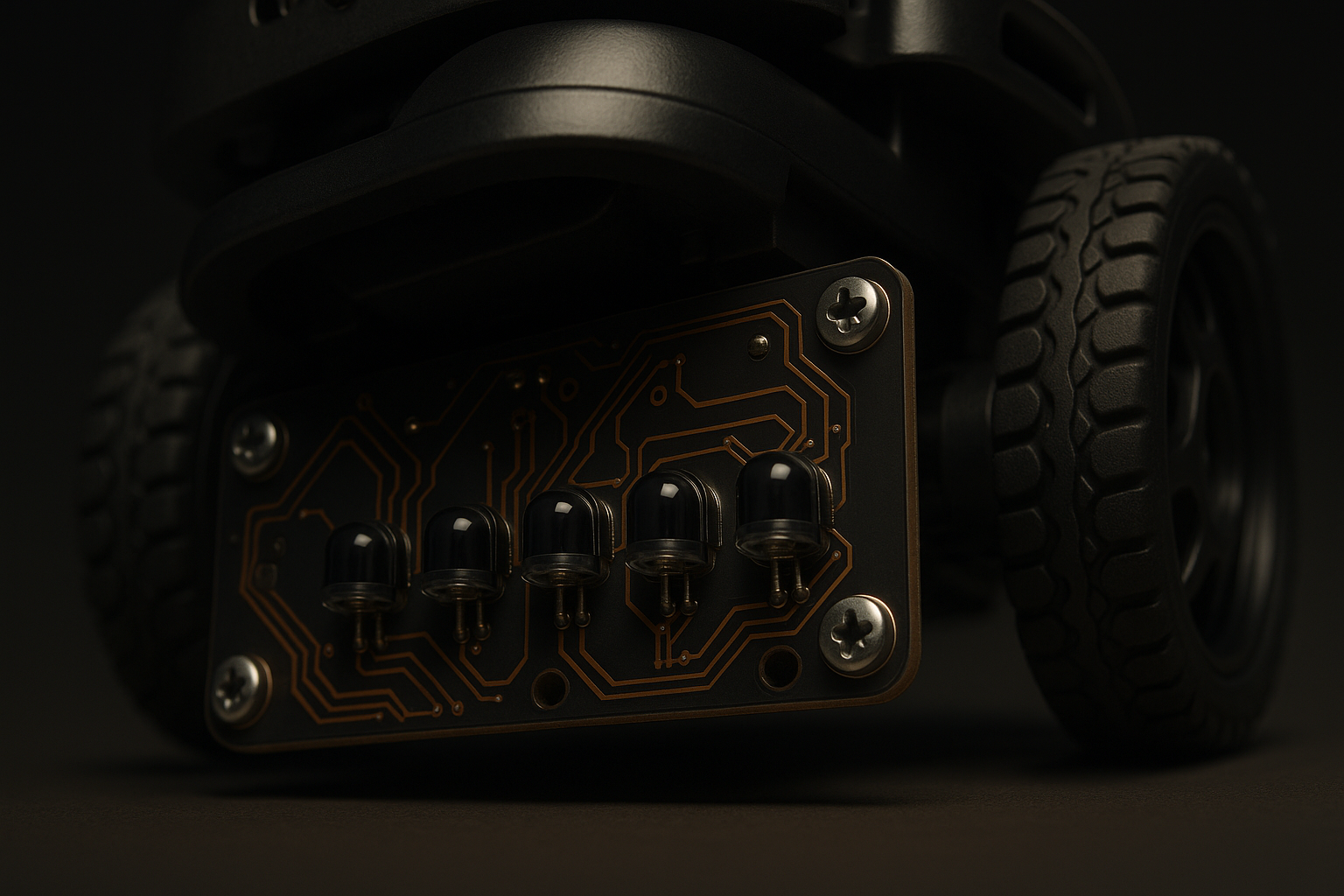
Calibration: the unsung hero
Calibration reduces surprises. Do it before you tune control loops.
Steps:
- Place robot on both line and background to record sensor baselines.
- For each sensor, measure min and max (or dark and light readings) and compute a normalized value 0..1:
normalized = (reading - min) / (max - min)
clamp to 0..1
- If using an array, compute a weighted position:
position = sum(sensor_value[i] * i) / sum(sensor_value[i])
- Dynamic calibration: sample background periodically (or press a button to recalibrate) if lighting changes.
Practical tips:
- Warm up sensors for a minute under operating conditions.
- Record values to serial/log for inspection.
- If readings are noisy, low-pass filter or median-filter the raw values.
Motor control: differential drive and steering
Most small line followers are differential drive: steer by adjusting left and right wheel speeds.
Basic approach:
- Compute an error: desired_position - current_position.
- Convert error into a steering correction.
- Left_speed = base_speed + correction
- Right_speed = base_speed - correction
A simple proportional controller (P) will work for many cases. Add integral (I) and derivative (D) terms as you face steady bias or overshoot.
Simple PID pseudocode:
error = target - measured_position
dP = (error - last_error) / dt
I += error * dt
correction = Kp*error + Ki*I + Kd*dP
left = base_speed + correction
right = base_speed - correction
apply_speeds(left, right)
last_error = error
Tuning tips:
- Start with Ki=Kd=0. Increase Kp until the robot corrects but oscillates.
- Add Kd to damp oscillation.
- Add Ki if the robot consistently drifts off center (bias).
- Reduce base_speed if oscillation increases with speed.
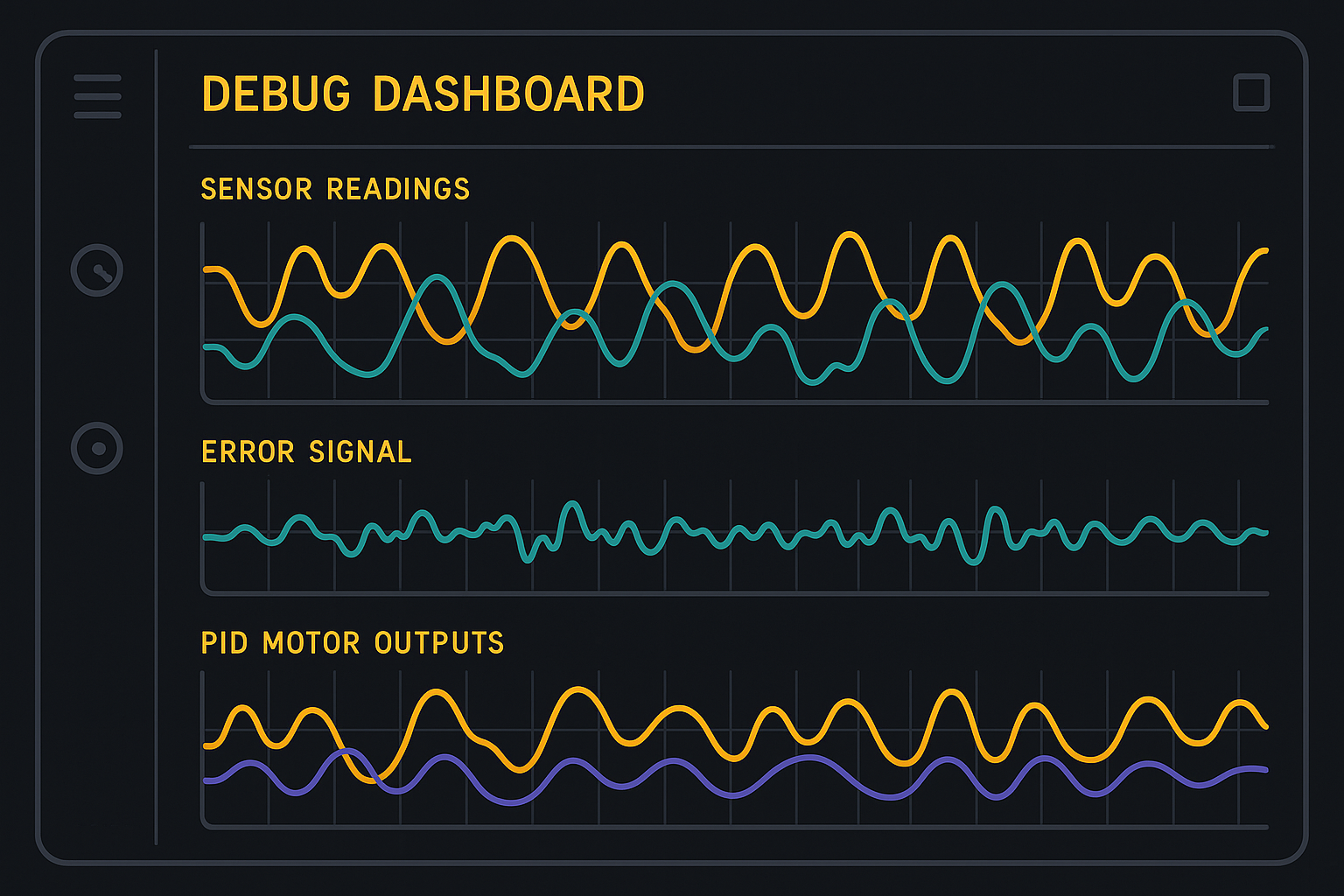
Measure, don’t guess: log sensor values and motor outputs during runs.
Putting the pieces together: a simple algorithm
- Read and normalize sensor array.
- Compute position (weighted average) and error relative to center index.
- Run PID controller to produce correction.
- Apply differential wheel speeds.
- Repeat loop at a steady rate (e.g., 50–200 Hz depending on hardware).
Edge handling:
- Lost line: if no sensor sees the line, use last known error and backtrack or spin to re-acquire.
- Sharp corners: slow down on detecting high curvature (large, quickly changing error).
Testing and iterative debugging
- Start with the robot on the line and watch responses.
- Use slow base speed for early tuning.
- Add serial logging or a small debug LED pattern to indicate computed position and PID output.
- Record short runs (video from above) and replay while viewing sensor traces side-by-side.
How AI can help troubleshoot and speed tuning
AI doesn’t replace control basics, but it accelerates diagnosing and iterating:
Log analysis with LLMs: feed a tidy transcript of sensor traces, error values, and symptoms, and ask for specific hypotheses (“robot oscillates left-right after 2 s”). The model can propose targeted experiments and parameter suggestions.
Automated parameter search: use simple optimization (bayesian search or grid search) to pick Kp/Ki/Kd and base_speed. Collect runs, score by deviation and smoothness, then pick best parameters.
Vision models for robustness: replace brittle thresholding with a tiny neural network (MobileNet-lite or a tiny CNN) to detect line presence and centroid under variable lighting and textures.
Anomaly detection: train a small classifier on “good” vs “bad” runs (using sensor traces or video frames) to flag runs that need human review.
Simulation and behavior cloning: create a simple simulator (2D) and use it to test controller changes or train a model policy from human demonstrations.
Practical examples of AI-assisted troubleshooting:
Symptom: robot consistently hugs left edge. Data: left sensors high, right sensors low. Suggestion: check motor bias (swap motor polarity), reduce Ki, or calibrate sensor baselines. An LLM can suggest the shortest checks in sequence.
Symptom: intermittent loss of line under a lamp. Solution: either improve shielding, do dynamic calibration, or switch to a vision model trained on varied lighting samples.
Symptom: large jitter at high speed. Suggestion: lower base_speed, increase D, or add low-pass on sensor readings.
AI helps most when you provide clear structured data: timestamps, sensor arrays, motor outputs, and a short description of environment.
Safe, incremental home projects and learning path
- Start: single sensor and a treaded wheel chassis on a short straight track.
- Next: 3–5 sensor array, basic P controller, tune at slow speed.
- Then: add I and D, increase speed, log runs for analysis.
- Advanced: swap to a downward camera, extract line with OpenCV or a tiny model, handle intersections.
Safety tips:
- Work at low voltages (battery packs), keep loose wires secured, and avoid letting pets or small fingers near moving wheels.
- Use protective enclosures for electronics and add a kill switch.
Creative extensions and practical uses
- Multi-robot handoffs: robots follow marked tracks to meet at stations and exchange small payloads.
- Inspection carts: follow a line on warehouse floors to run sensors (temperature, light, sound) at predefined points.
- Teaching tool: record student experiments and compare PID tuning results across groups with a dashboard.
Conclusion
Line-following is a compact lesson in sensing, feedback, and iterative design. Start simple—get predictable, repeatable sensor readings—and add complexity (PID, cameras, AI) only when needed. Use logging, visual dashboards, and small automation (parameter search or an LLM-guided checklist) to accelerate debugging.
Practical takeaway: build a reproducible data loop—measure, log, tune, repeat. With clean sensor baselines and a disciplined tuning routine, you’ll convert a drifting toy into a stable, predictable platform you can extend with vision or more advanced autonomy.
